
Option A: Check-in with TL-ID – “Express Check-in”
Discover how to optimize the check-in process for drivers with a TL-ID to make operations faster and more efficient.
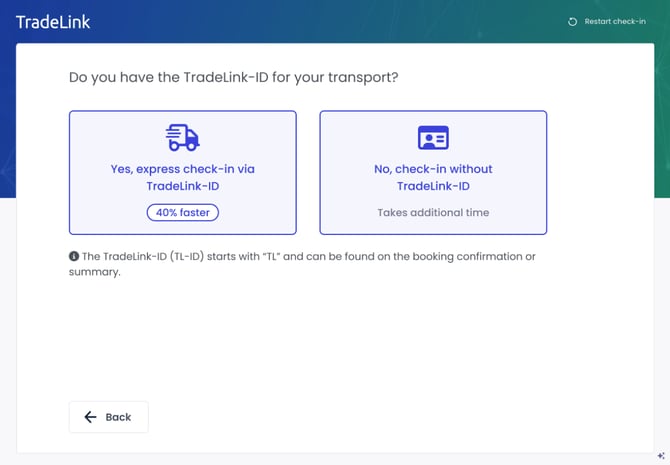
Tip: Drivers with a TL-ID benefit from a 40% faster processing time. Therefore, make sure that the carrier or supplier provides the driver with the TL-ID before arrival.
Why promote the use of the TL-ID?
-
Efficiency: Faster processing reduces waiting times.
-
Accuracy: Minimizes manual effort and prevents duplicate bookings.
-
User-friendliness: Ensures smoother operations for your team and your logistics partners.
Steps: How the driver can check in
-
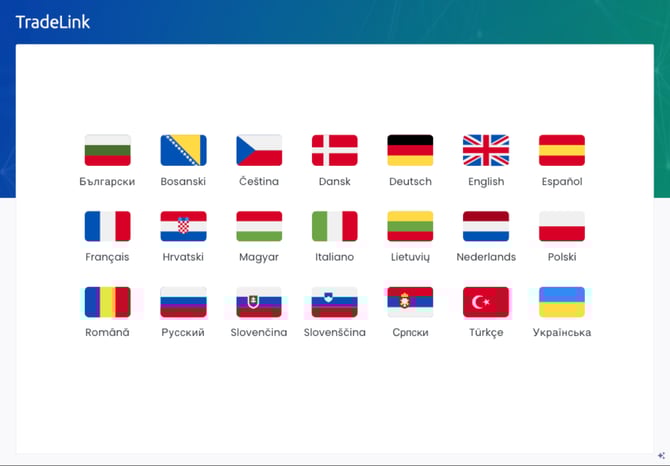
Language selection: The driver can choose from 21 available languages.
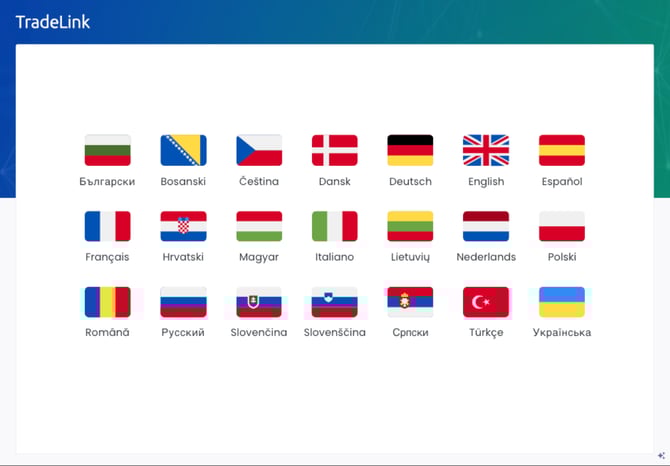
-
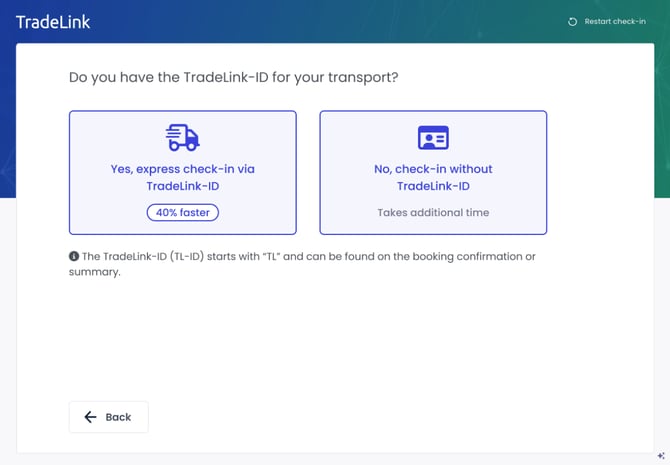
Express Check-in: Drivers who know their TL-ID can select the Express Check-in option.
-
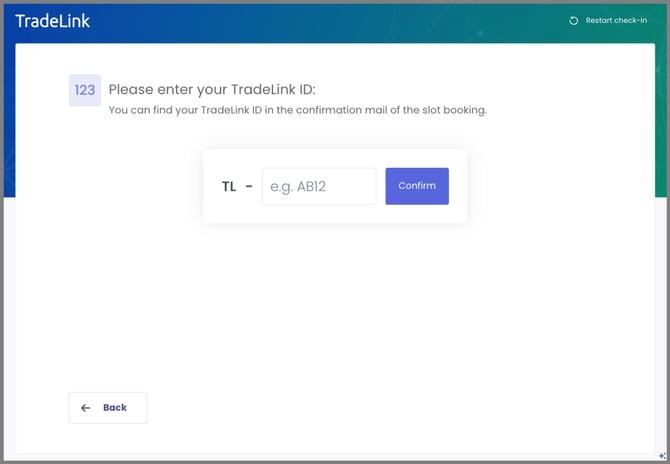
Enter TL-ID: Enter the correct TL-ID (or follow Option B below).
-
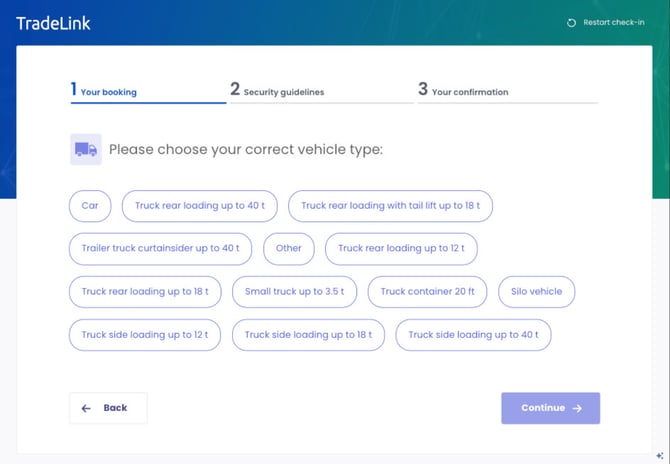
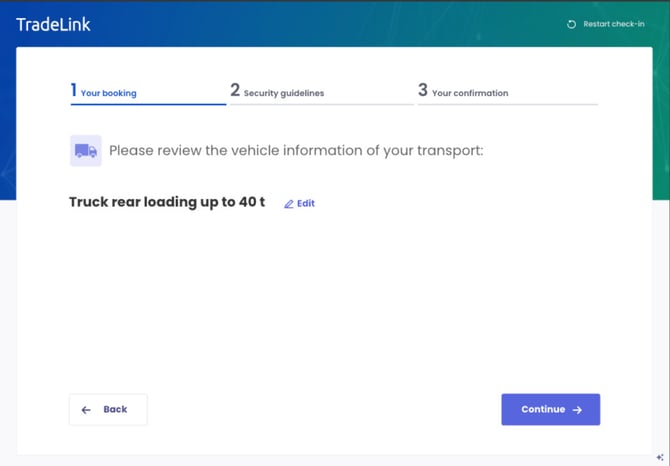
Select vehicle type
-
Review transport loading details
-
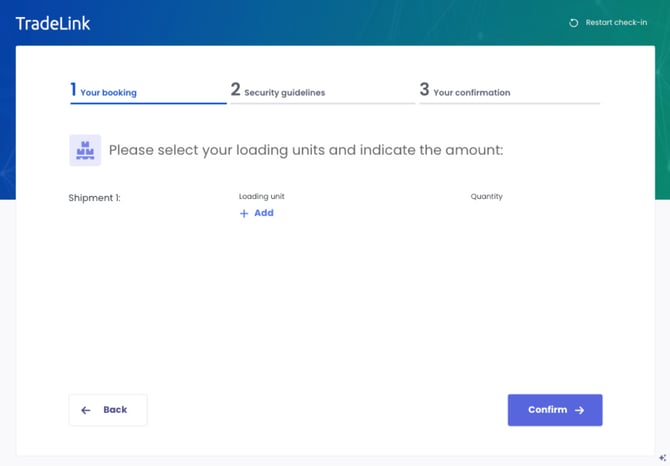
Specify load units and quantities
-
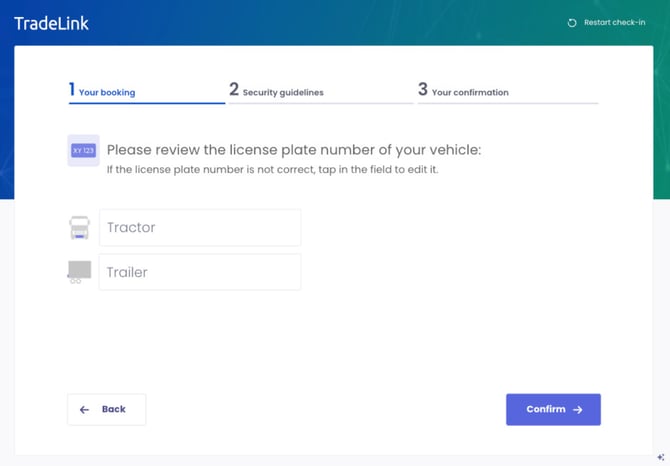
Verify license plate number
-
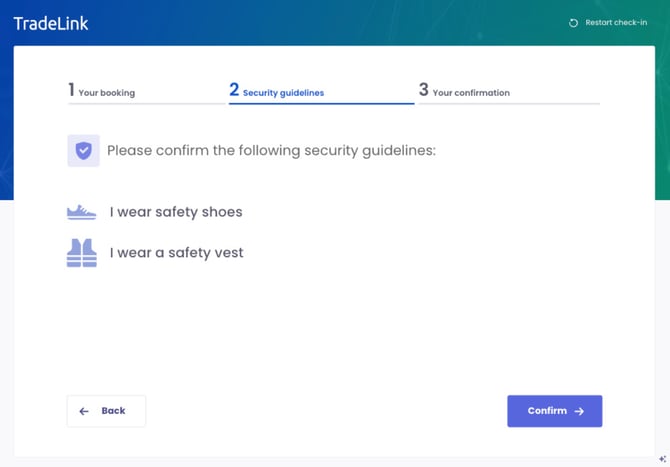
Confirm safety policies (e.g., wearing protective clothing)
-
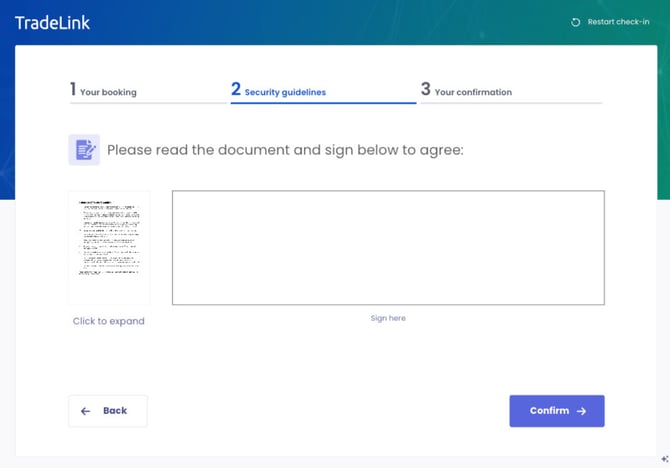
Read and digitally sign safety documents
-
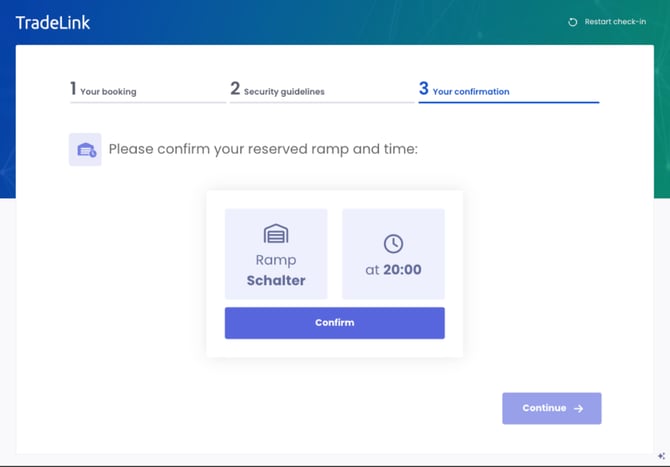
Receive confirmation of the assigned dock and time slot


Option B: Incorrect TL-ID
If the TL-ID is entered incorrectly, the driver will be prompted to re-enter it or seek assistance.

Check-in without TL-ID
Learn how drivers without a TL-ID can complete the check-in process.
Drivers without a TL-ID need to provide alternative information to match their booking. While this requires additional manual effort, there are steps to help identify the transport.
Steps:
-
Language selection: The driver can choose from 21 available languages.
-
Check-in option: Select “No, check in without TL-ID.”
-
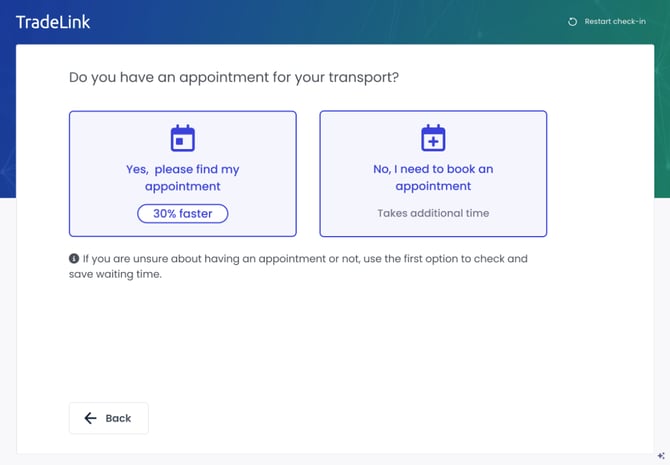
Question: “Do you have an appointment for your transport?”
-
If yes: Choose the type of transport (Pickup or Return).
-
If no: Manual check-in is required.
-
-
Provide identification details: The driver must provide two pieces of information to locate the booking. Possible options include:
-
Reference number
-
Supplier name
-
Carrier name
-
Truck or trailer license plate number
-


Matching results:
-
Option A: Match found: Continue with the standard check-in process (vehicle type, load details, safety confirmations, etc.).
-
Option B: No match found: Manual intervention is required. Drivers must visit the reception office to complete the process with the support of warehouse staff.