
You can subsequently add documents to a booking and edit them. We recommend that you create a TradeLink account to make it easier to find your bookings. However, you can still add documents to your booking if you do not have an account.
💡How do I find my booking in my TradeLink Account?
How can I subsequently add documents to a booking without having a TradeLink account?
To subsequently add documents to a booking, you can proceed as when editing a booking.
💡How do I subsequently edit my booking (pick-up)?
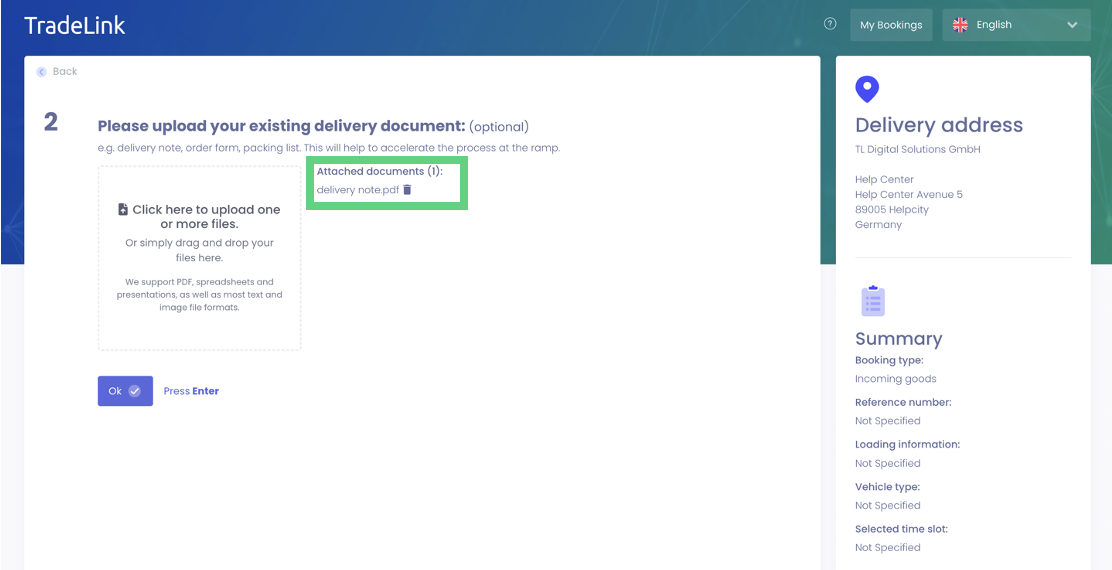
Under the "Documents" tab, you then have the option to add documents to your booking. Either drag and drop your documents into the field or click on the input field to select the desired document.
Now you know how to add documents to your bookings subsequently with a TradeLink account.