
Cancel a booking in the booking overview
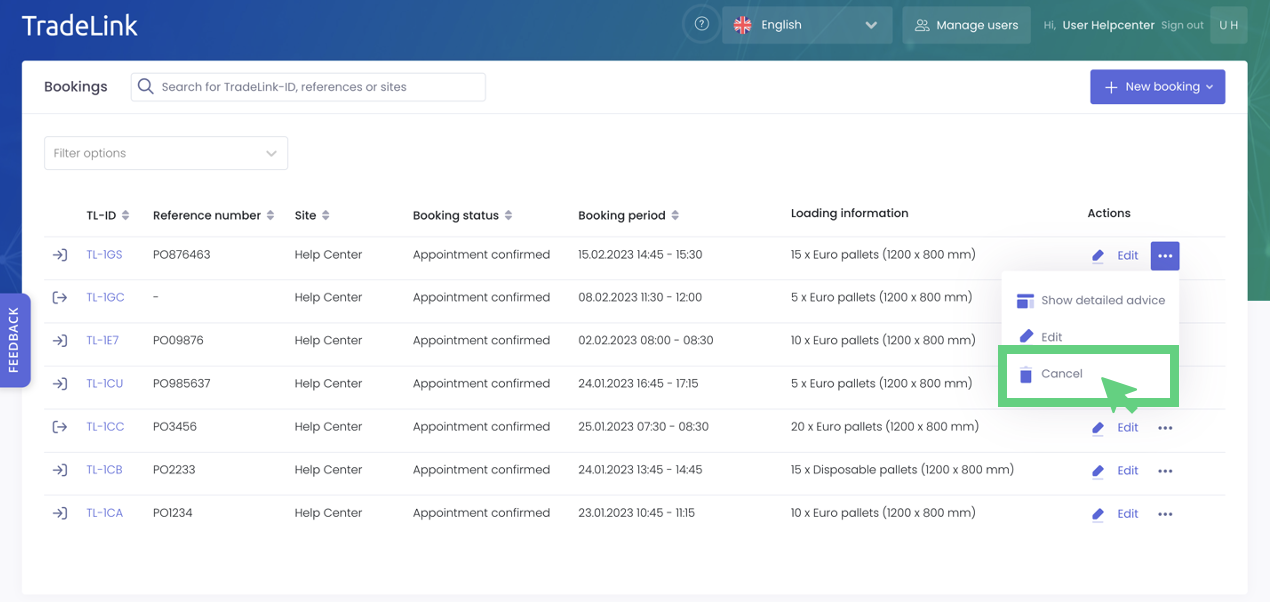
Once you have logged into your TradeLink account, you can cancel your booking by clicking on the three dots next to the booking you wish to cancel on the right side of your screen. Then click on "Cancel."
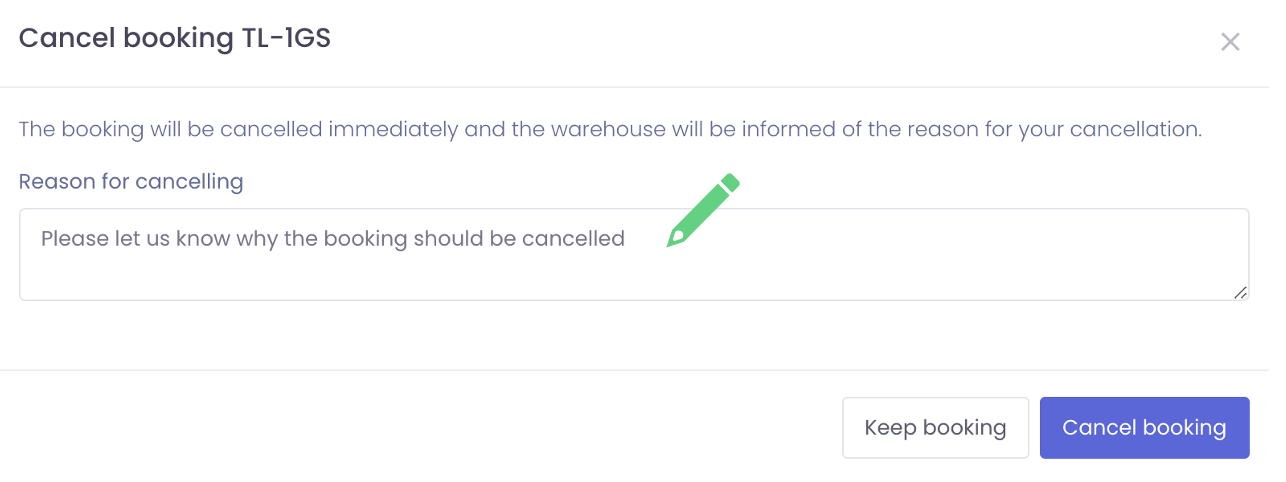
After entering a reason why, you want to cancel the booking, you can cancel the booking by selecting "Cancel Booking".
You now know how to cancel your bookings in your booking overview.
Cancel a booking in the detailed view
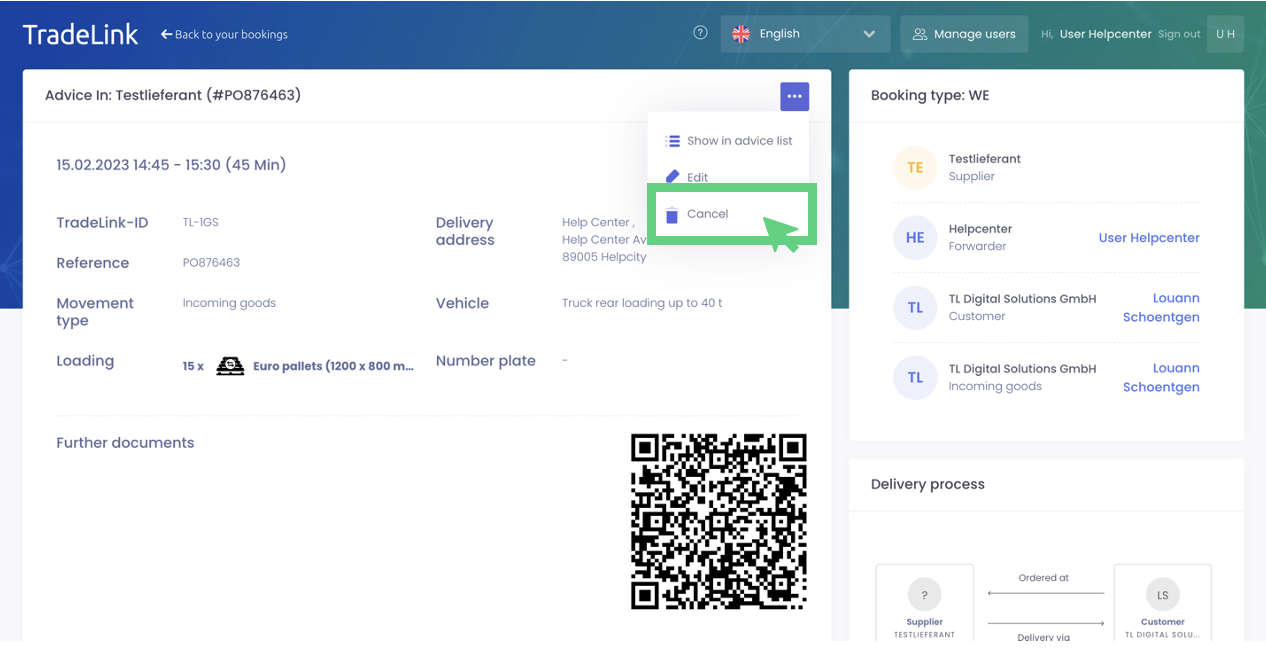
You can cancel your booking by clicking on "Cancel" in the three-point menu in the detailed overview of your booking.
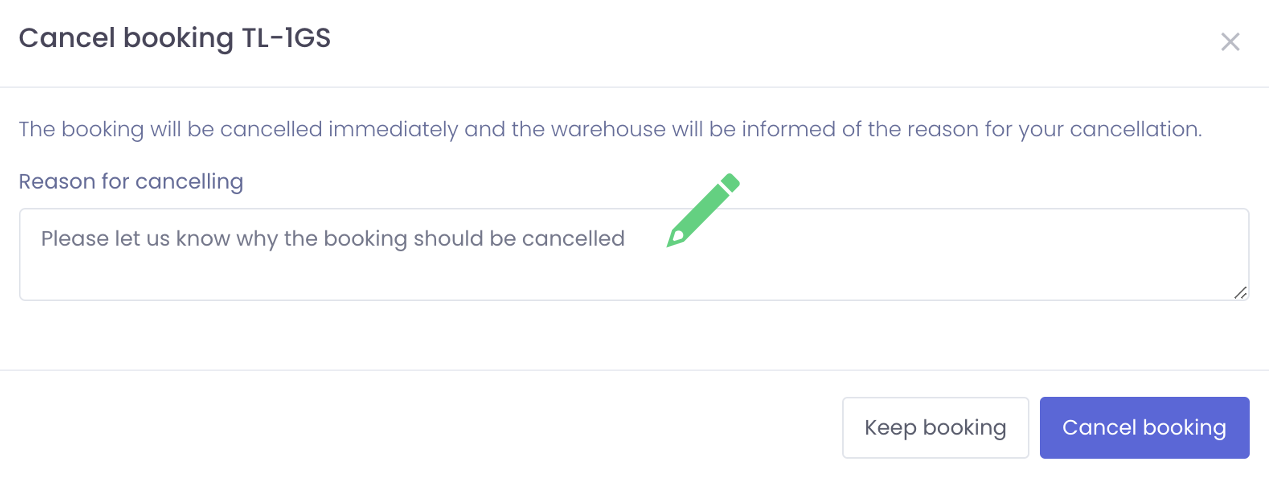
After you have given a reason for the cancellation, you can cancel the booking by clicking on "Cancel booking".
You now know how to cancel your bookings in the detailed overview.