
Below we explain how you can edit your own bookings without a TradeLink account. However, we recommend that you create a TradeLink account so that you can view and manage all your bookings in one central space. Here you can learn how to create your own TradeLink account: 💡TradeLink account.
Editing your booking(s) without a TradeLink account
Without a TradeLink account, you can only make changes to bookings that you have made yourself. To edit your booking, you must first open it in TradeLink. We will show you how this works here:
💡How do I find my transport without a TradeLink account?
Select your booking to open the booking management.
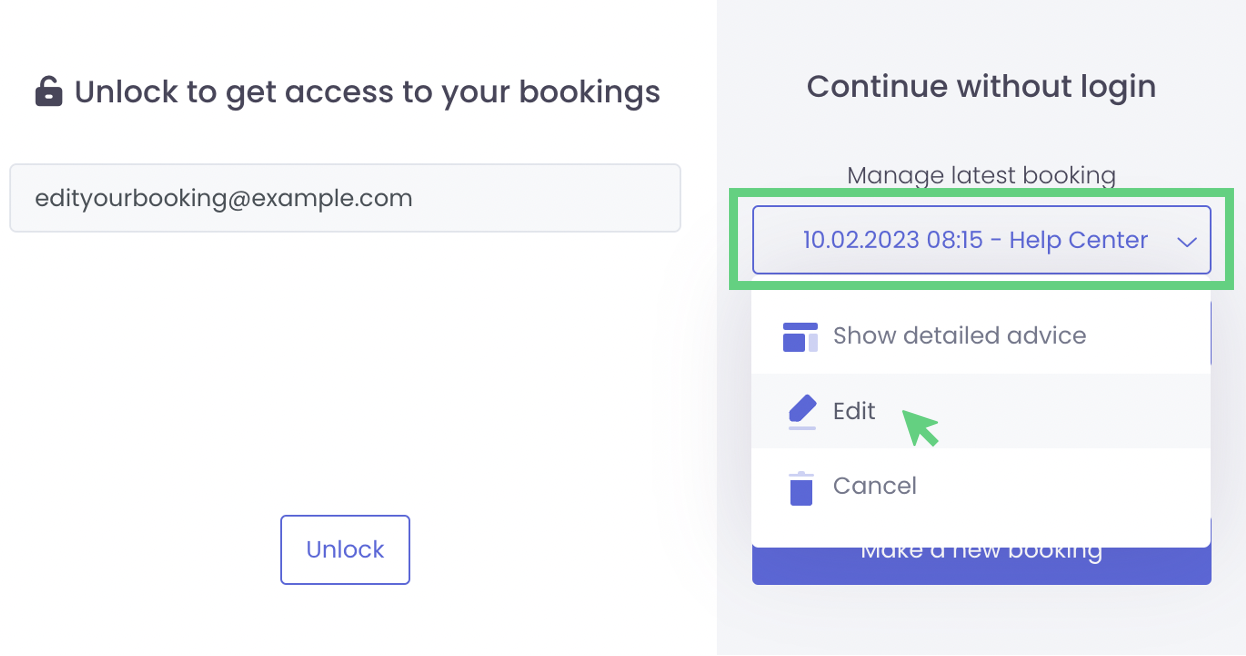
Now you can edit your booking and make adjustments. How this is done is shown here:
💡How do I subsequently edit my booking (pick-up)?
You now know how to manage your bookings and communicate changes to your customers.