
How to edit a booking
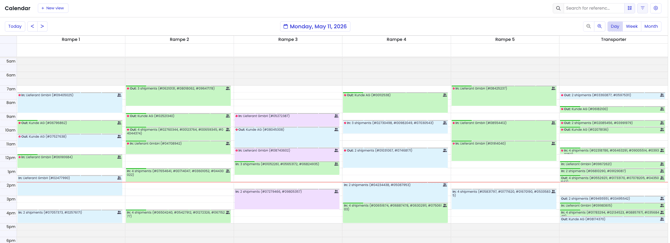
To get started, open your TradeLink calendar and select the booking you want to edit.
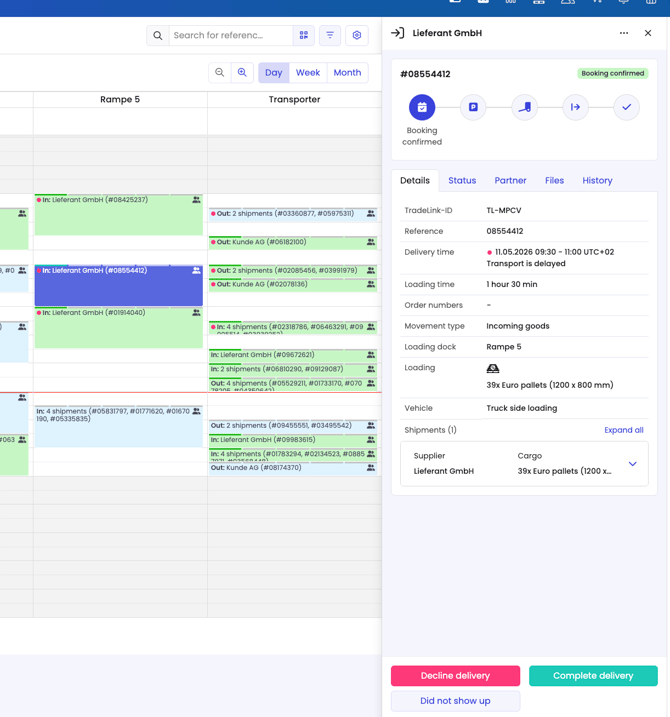
By clicking on the booking in the calendar, a summary of your booking will appear on the right. To start editing, click on the three-dot menu at the top right and select “edit”.
This will take you directly to the overview of your booking, where you can now add and change information.
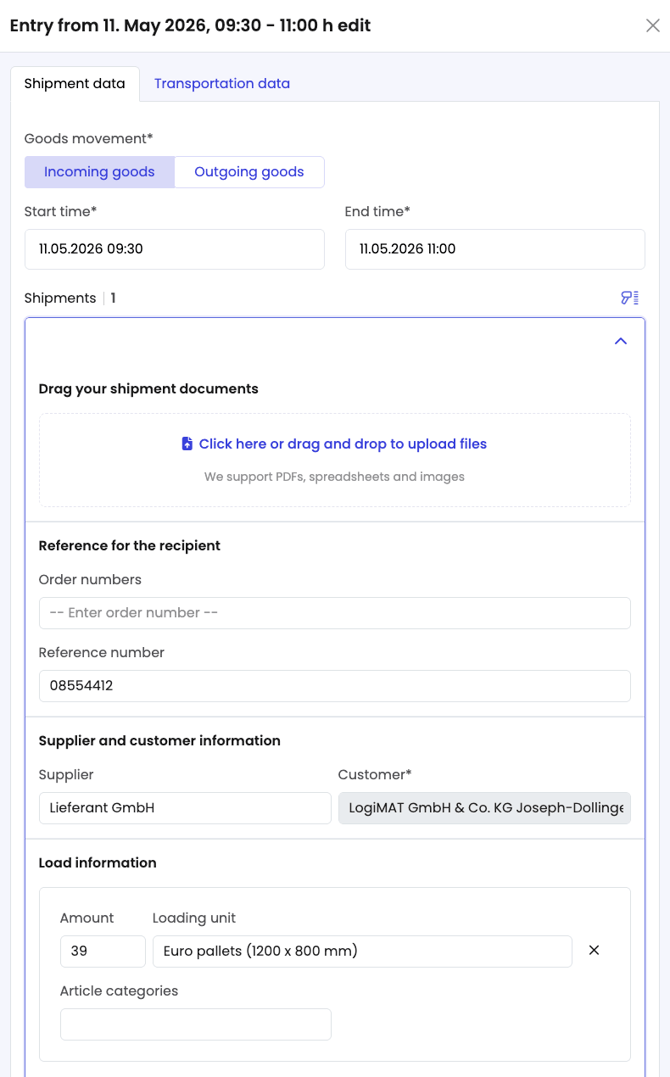
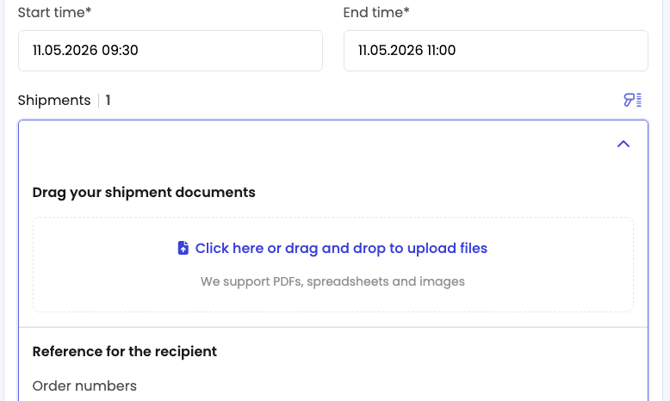
You can also upload documents later under the "Files" tab.
Save your changes by clicking on "Update".
Alternatively, you can also view your booking in detail and then edit it. To do this, go to the three-dot menu and select "View note in detail".
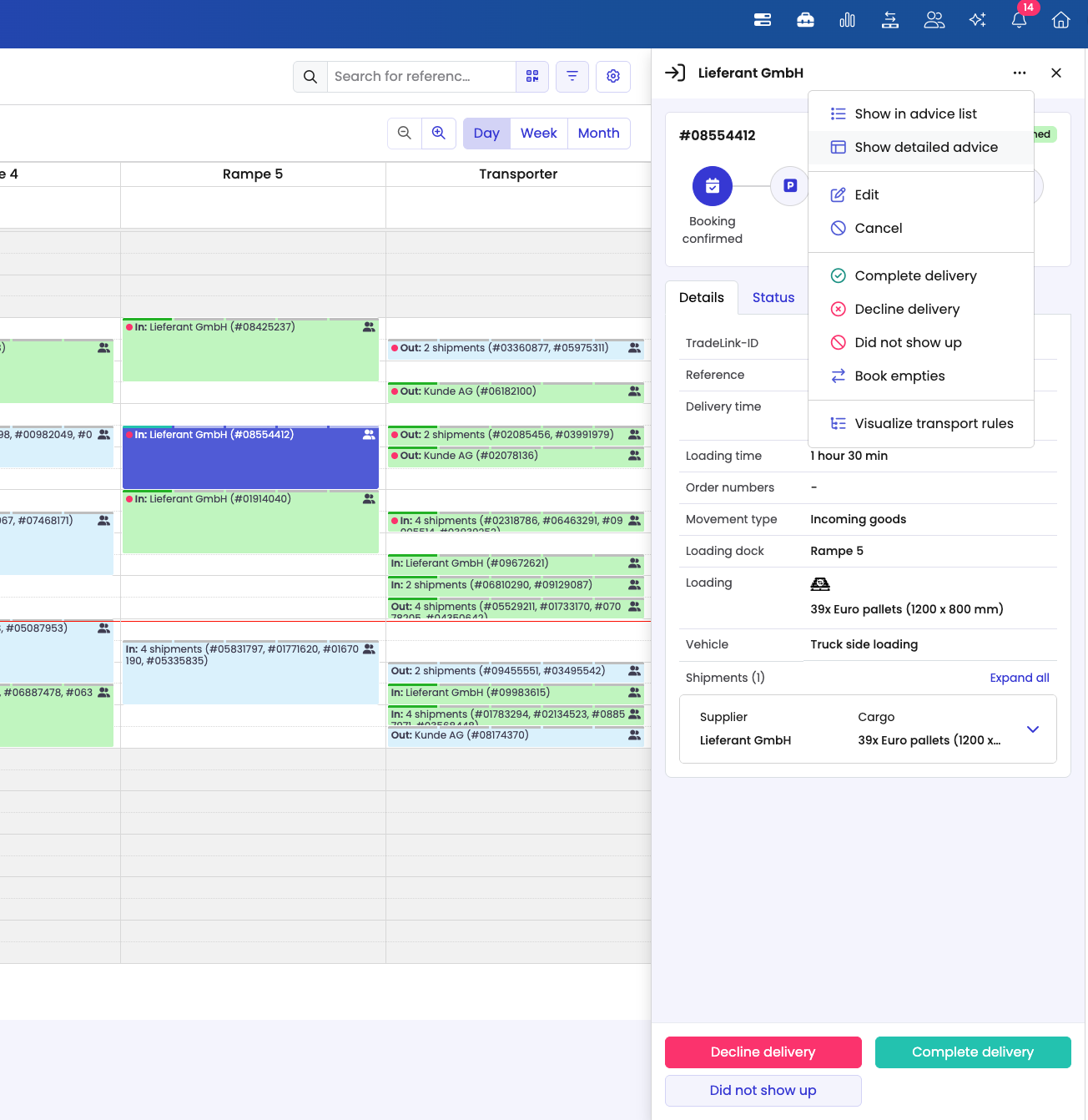
You can now edit your booking via the three dots at the top right.
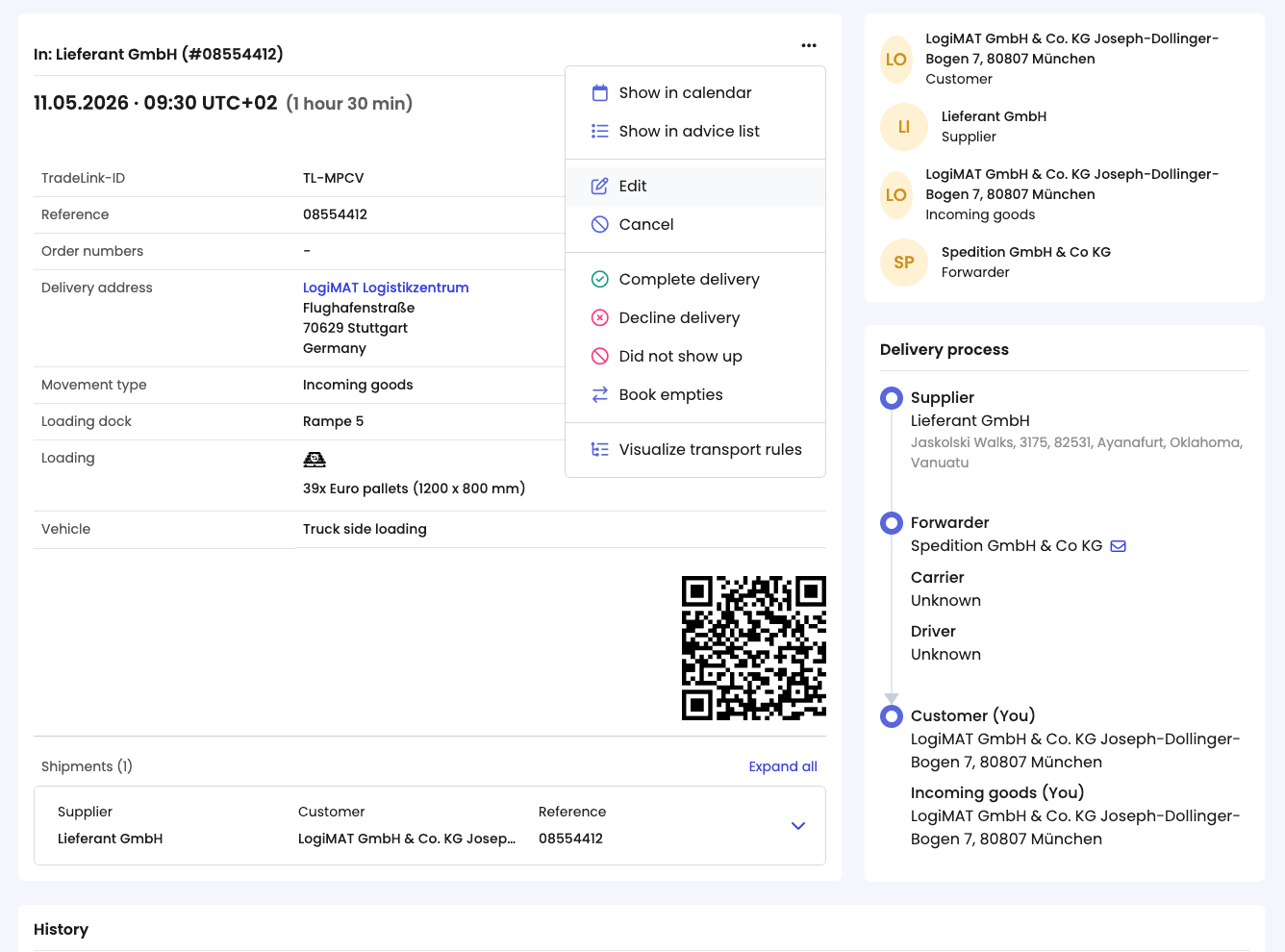
You now know how to edit a booking on TradeLink!