
We recommend that you set up a TradeLink account so that you can easily access your bookigs at any time. You can find out how to set up your own TradeLink account here:
💡How can I create an account with TradeLink? (After completing a booking)
💡How can I create a TradeLink account (without prior booking)
Nevertheless, you can still access your bookings without having a TradeLink account.
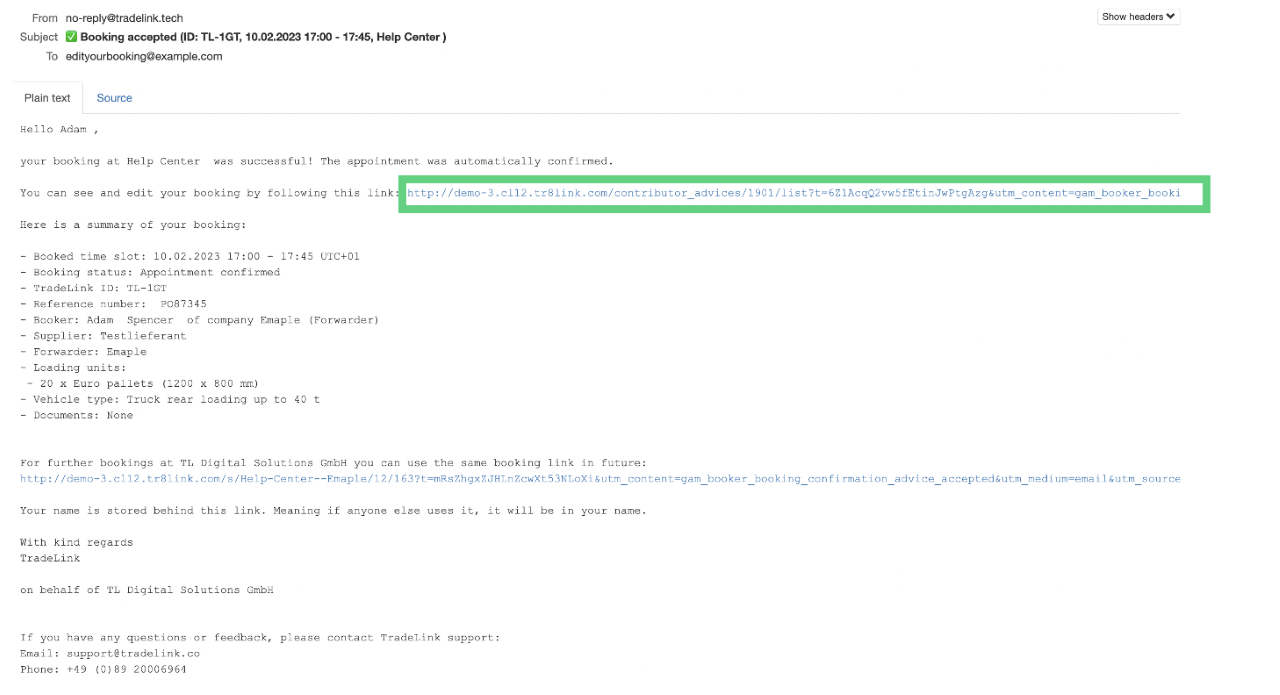
Look in your inbox for the email confirmation for your booking.
In your inbox, you will find a confirmation email for your booking. Once you have opened the email, click on the link.
You will then be taken directly to TradeLink where your booking will be displayed.
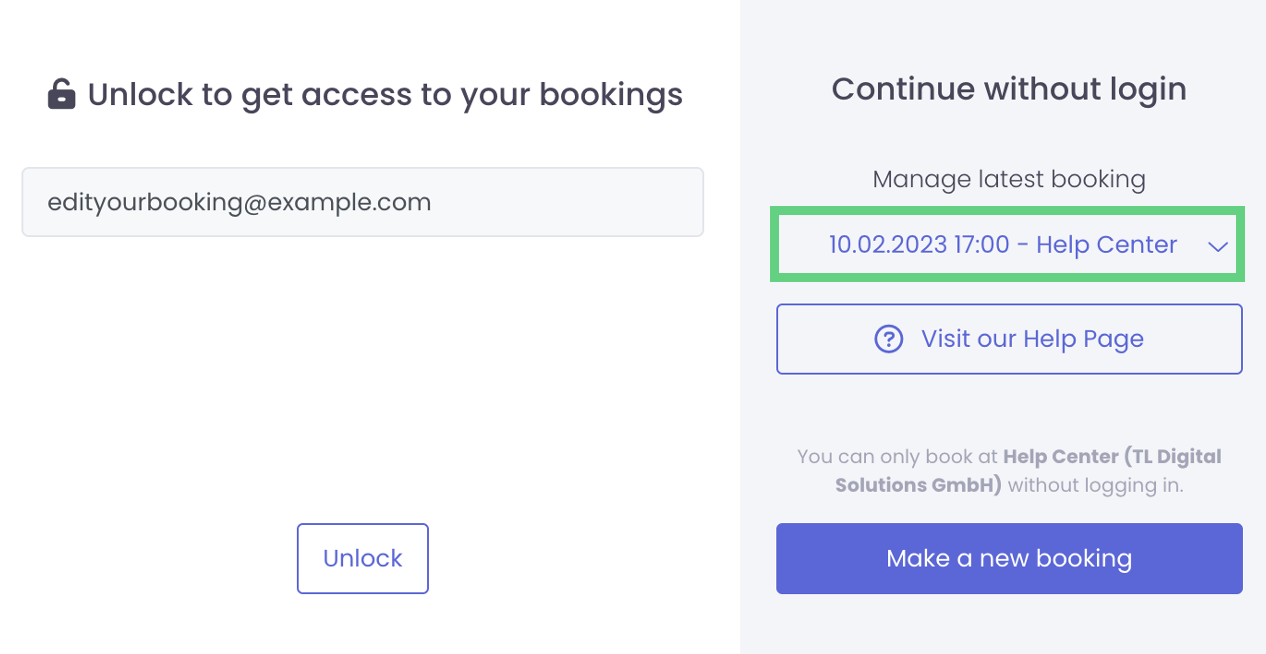
You can now find the bookings you made through TradeLink!