
Where can I find the settings for my personal profile or my company?
Log in to TradeLink with your user account and click on your name in the upper right corner.
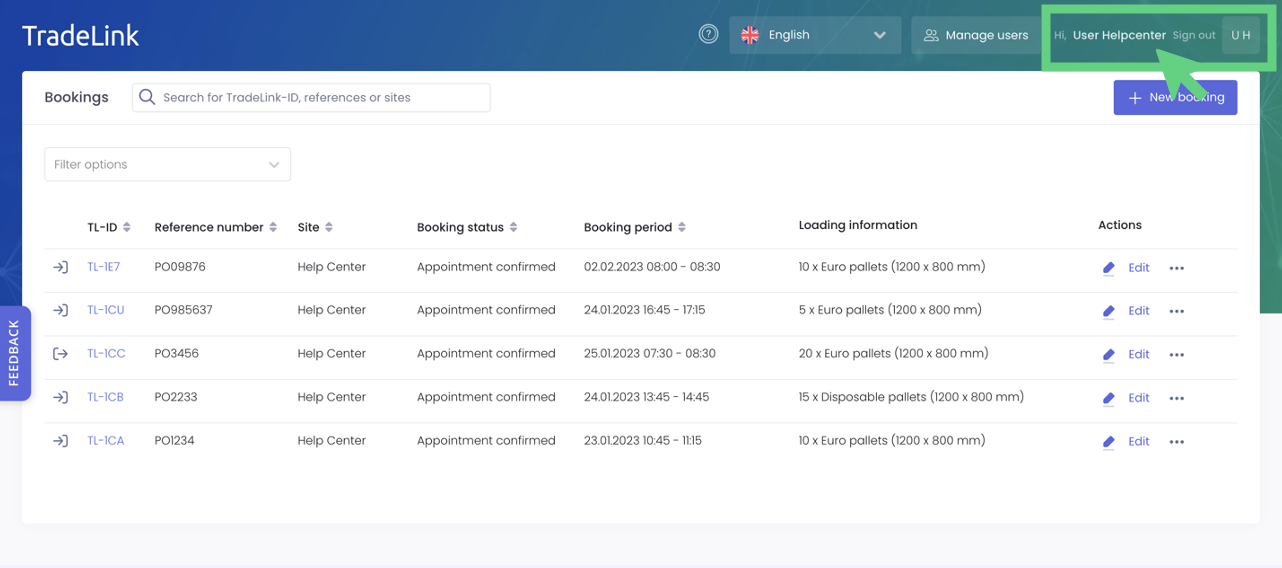
This will directly take you to your profile settings.
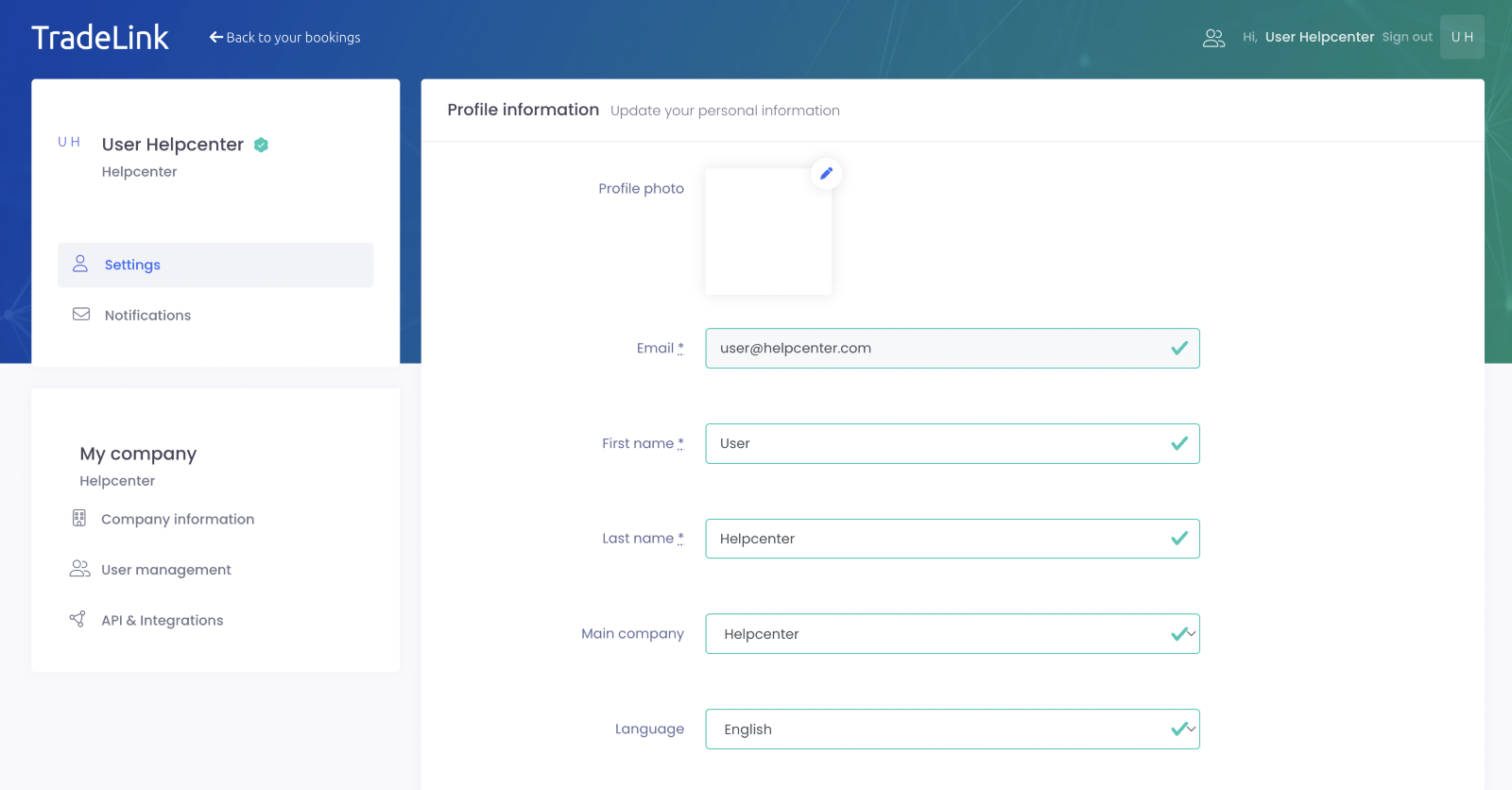
Which profile settings can I change?
You can add or change your first and last name in your profile settings.
🚩 Please note that the email address you used to register with TradeLink is excluded from this and cannot be changed by you.
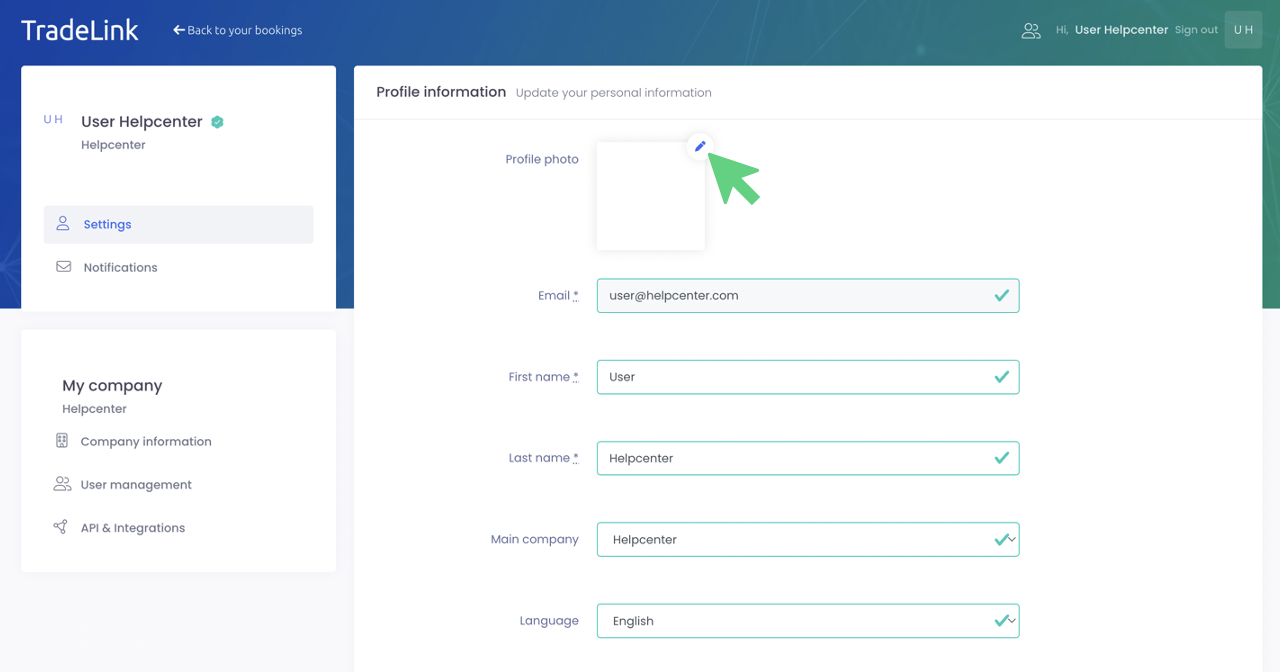
Give your TradeLink account a personal touch and add a profile picture by clicking on the editing pen in the upper right corner.
By clicking on the “Language” setting, you can choose in which operating language you want to use TradeLink.
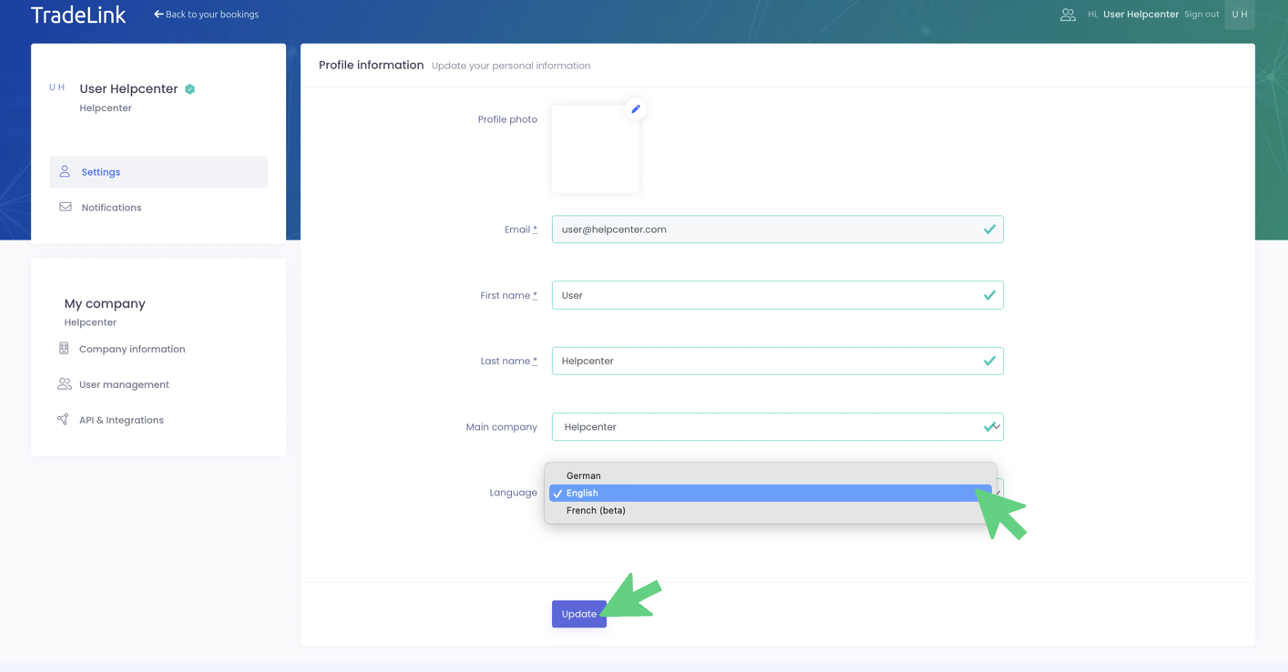
Save your changes by clicking on “Update”.