
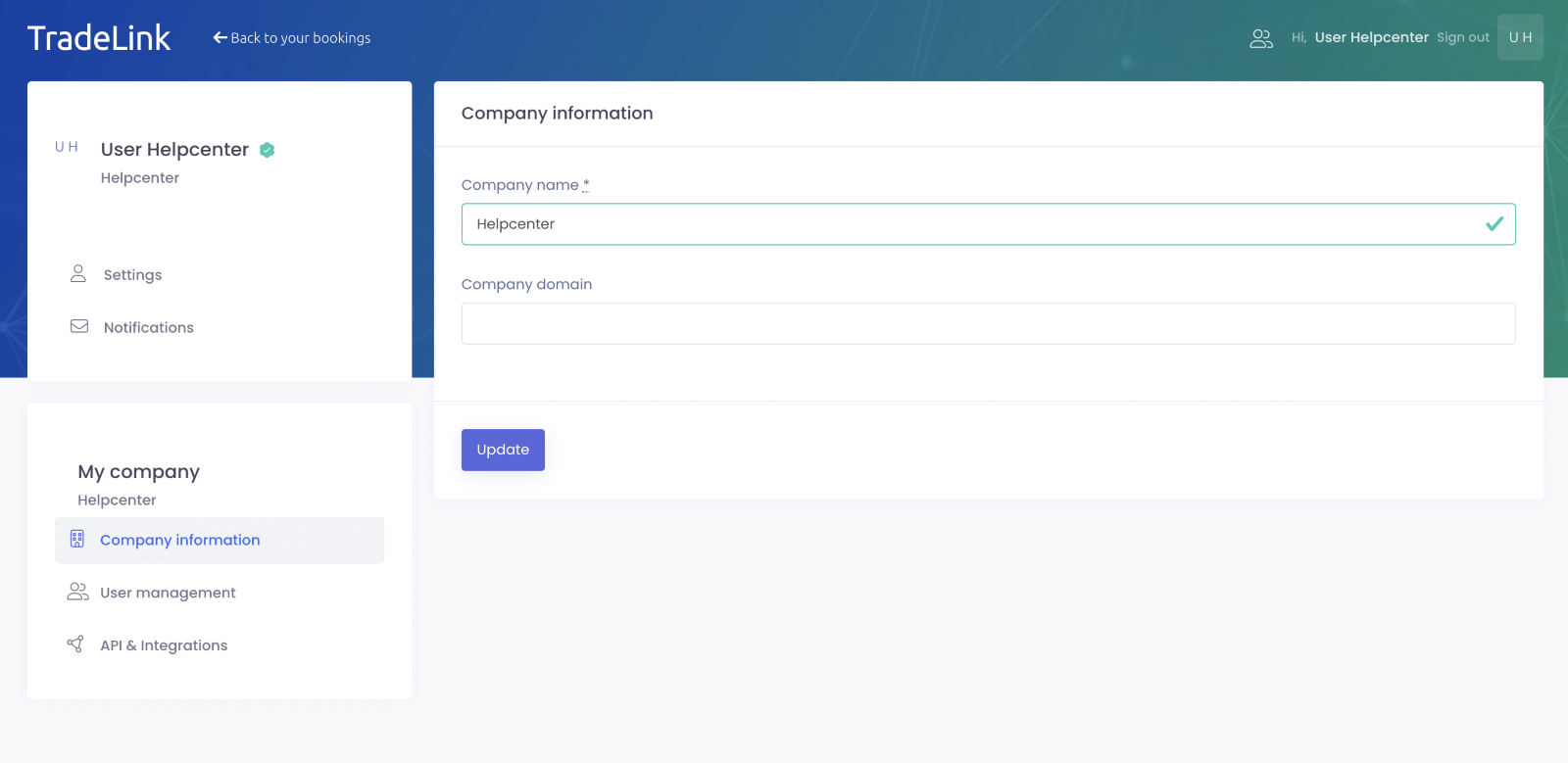
From your personal profile you can jump right to your company settings by clicking on “Company information” at the bottom left.
For the administration in the TradeLink account there are different roles with user rights.
As "Owner" you can change the company name and the company domain and save your changes by clicking on “Update”.
You can find out how to invite your colleagues via the “user management” here:
You can easily customize your personal settings in your TradeLink account and put a face to your avatar - try it now! 🎉