How can I change my personal data?
Log in to TradeLink with your user account and click on your name in the upper right corner.
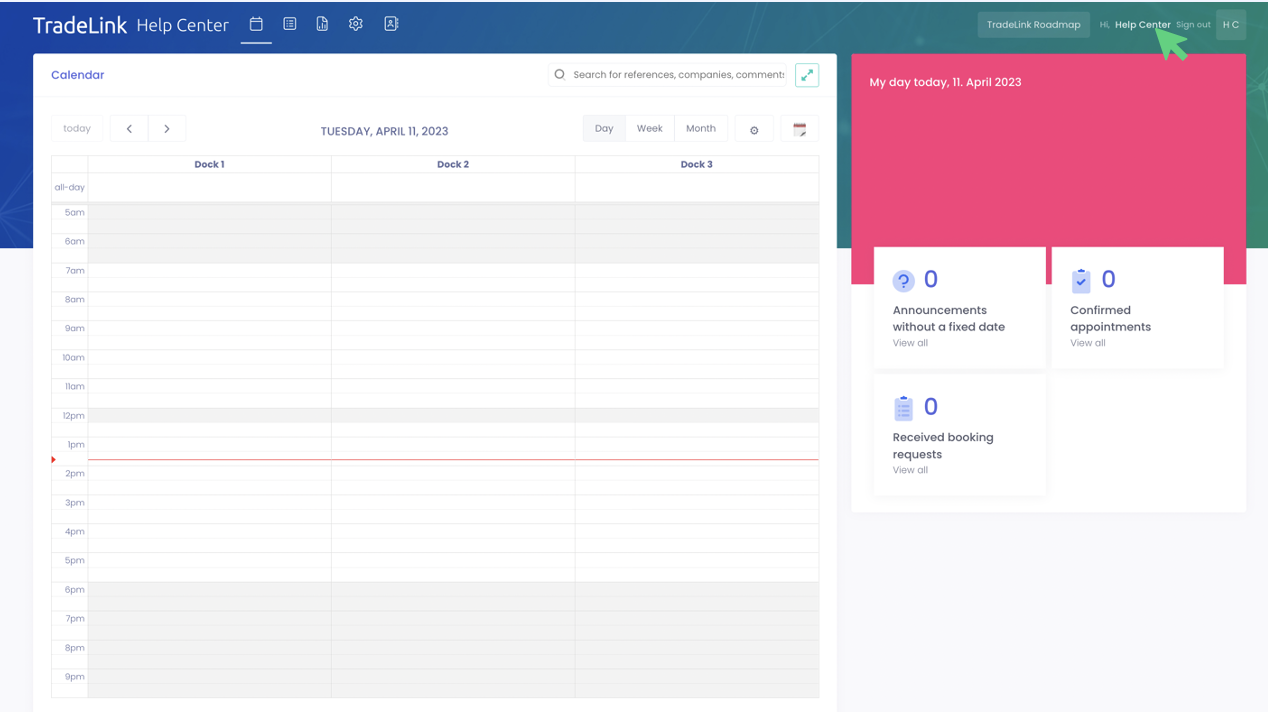
This will directly take you to your profile settings.
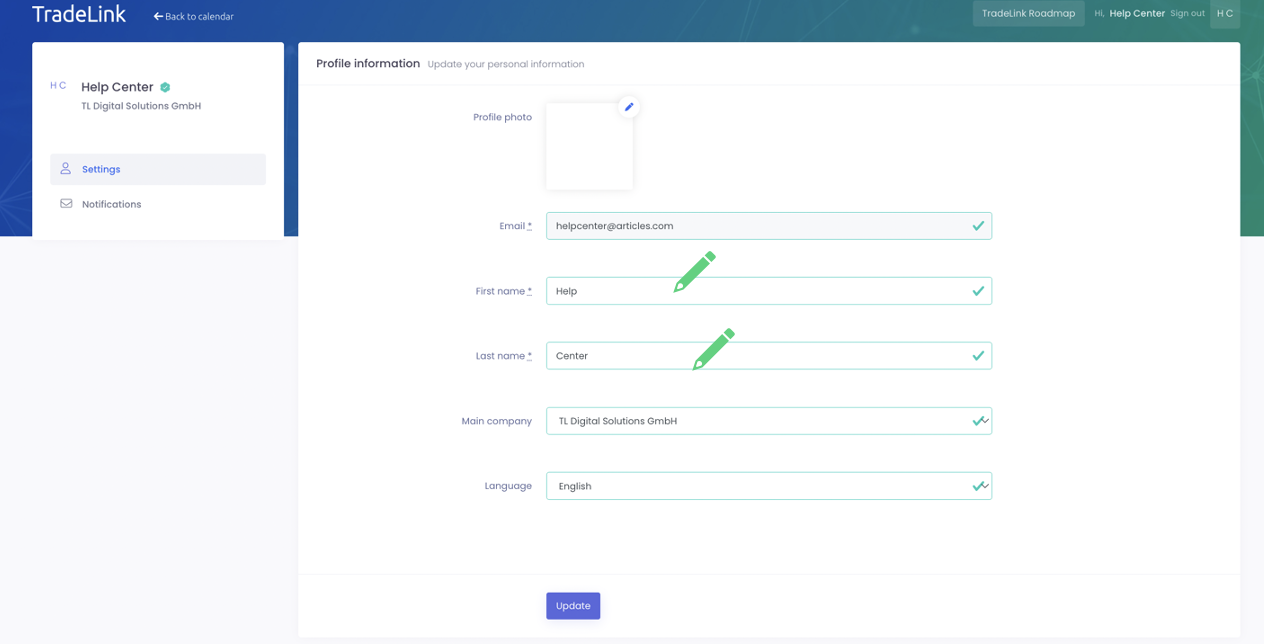
You can add or change your first and last name in your profile settings.
🚩 Please note that the email address you used to register with TradeLink is excluded from this and cannot be changed by you. If you want to change it, you can contact our support (support@tradelink.co).
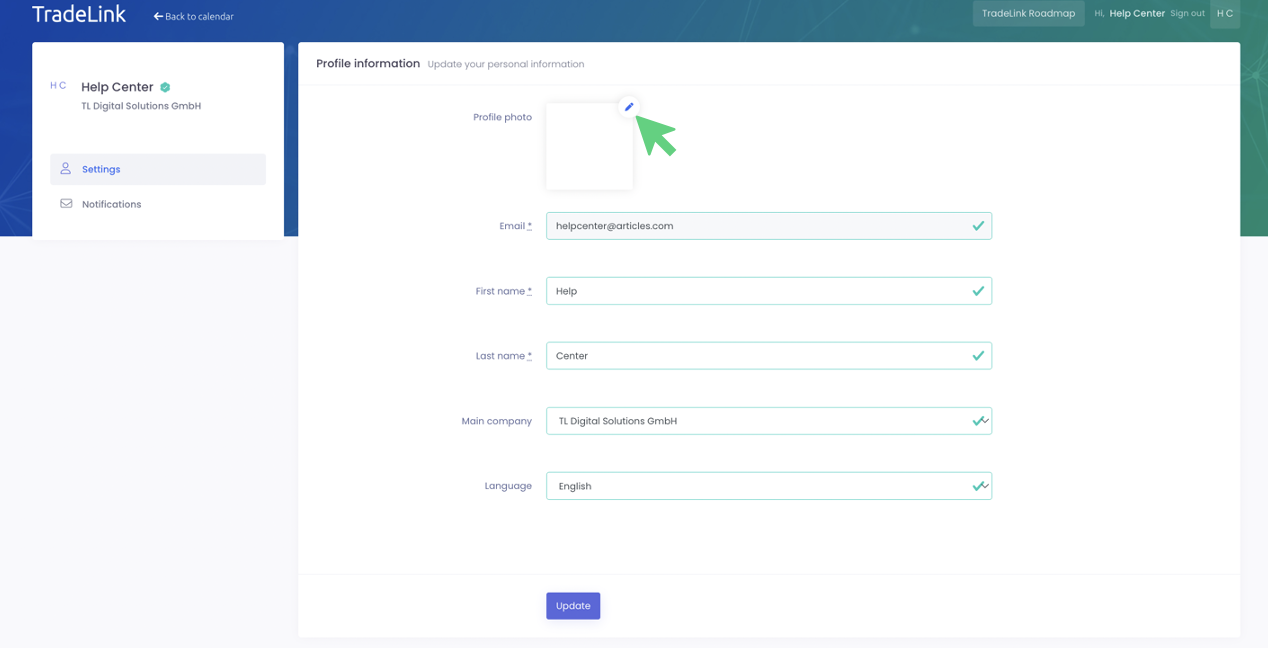
Give your TradeLink account a personal touch and add a profile picture by clicking on the editing pen in the upper right corner.
By clicking on the “Language” setting, you can choose in which operating language you want to use TradeLink.
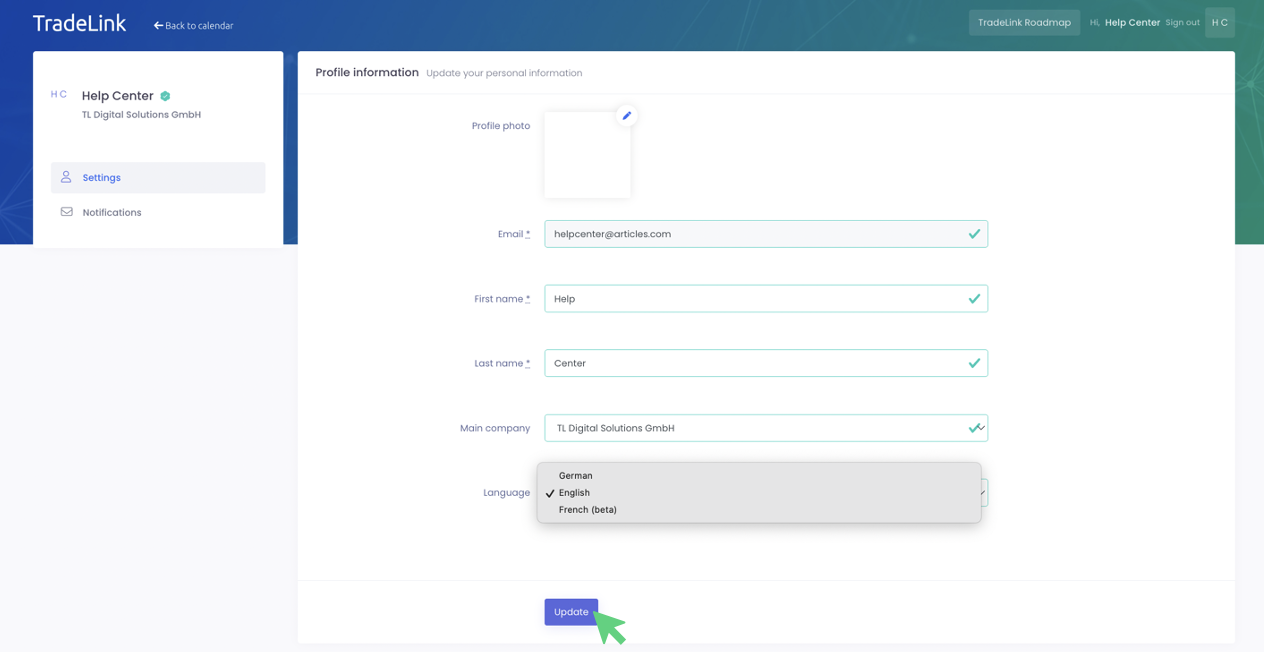
You can save your changes by clicking on the 'Update' button.
In your personal profile settings, under “Notifications”, you additionally have the option to individually set whether you want to be notified by E-Mail in case of a new booking or changes in booking time.
Tick the box(es) for the event(s) you want to be notified about and confirm your changes by clicking on “Update”.
You can also choose whether you would like to be notified about these events through In-App Notifications.
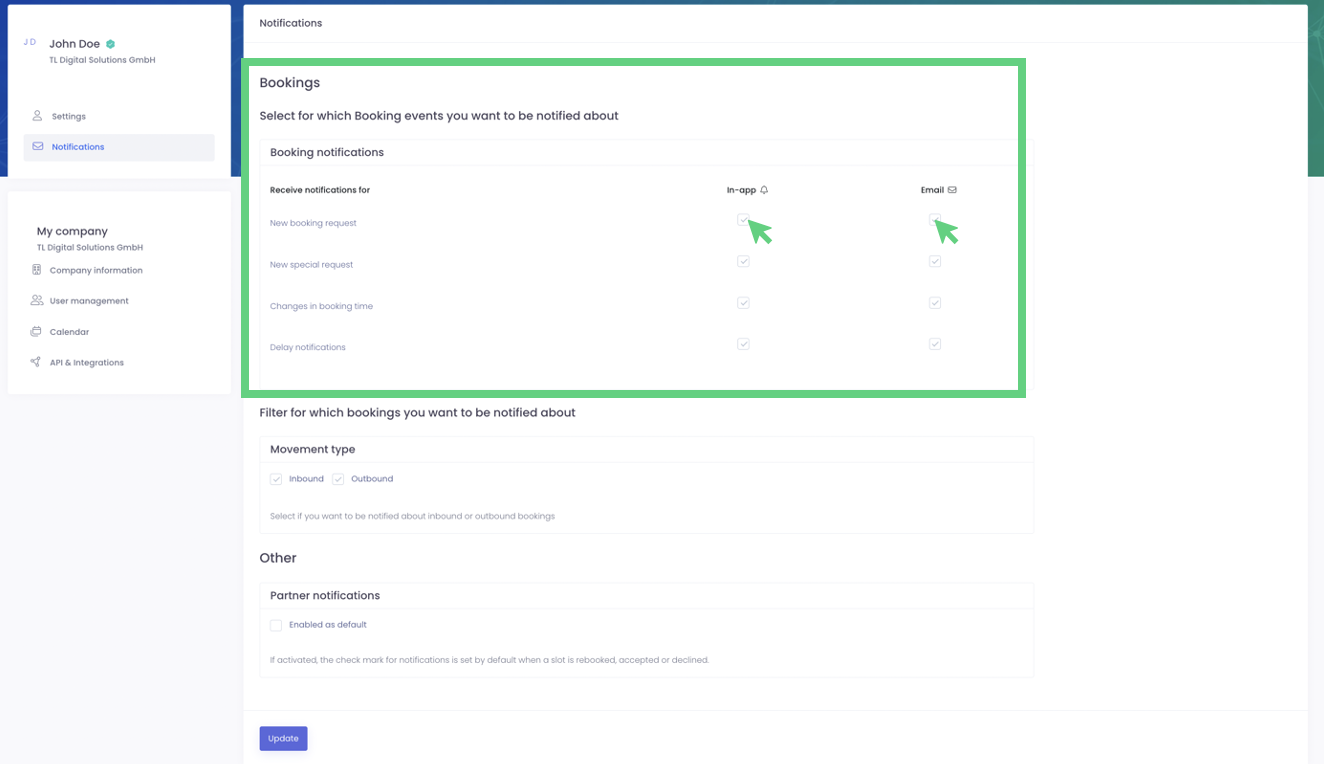
You can also specify about which flow of goods you want to be notified:

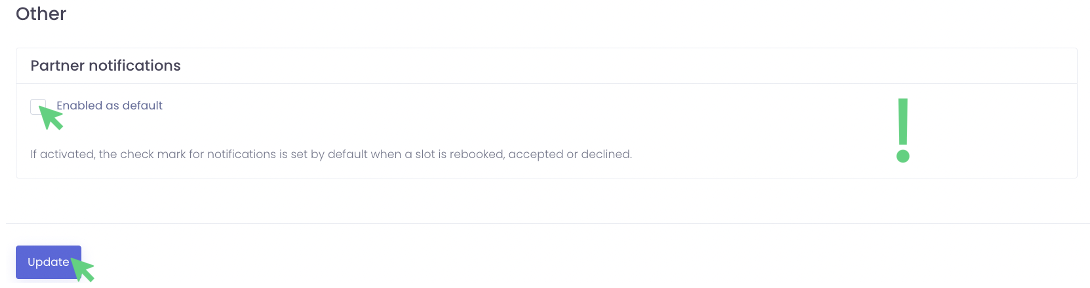
❗ In the last step you can set the settings regarding partner notifications. Check the box so that your partners are always informed about booking confirmations or about declined bookings!