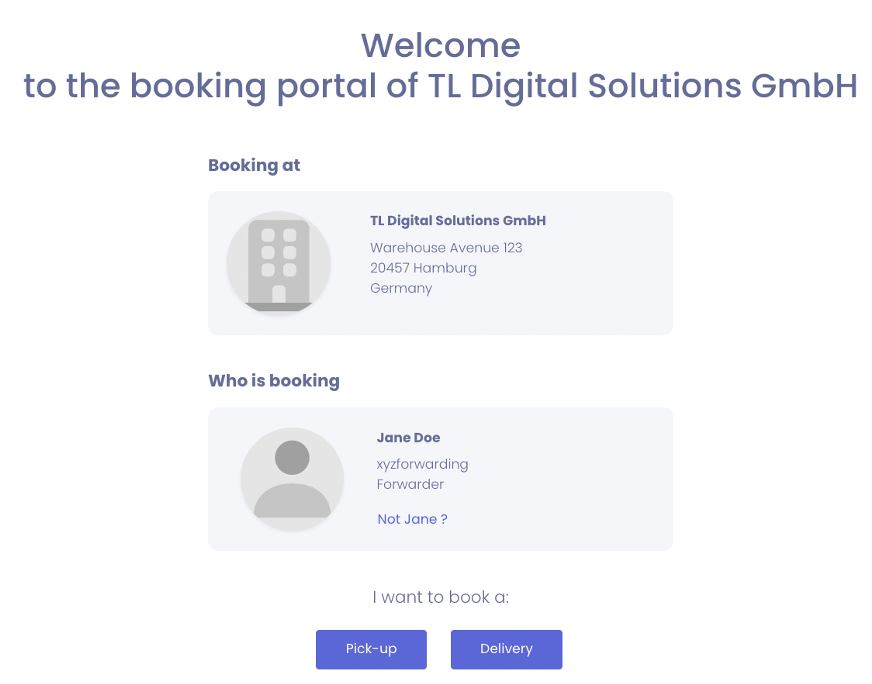
You can create and manage all your bookings without registering for an account.
If you want to create an account, you can learn how to do so here: TradeLink Account. This way, you can enjoy the benefits of centralized management of all your bookings in one place and subsequent editing of existing bookings.
One-time booking via booking link (without a TradeLink account)
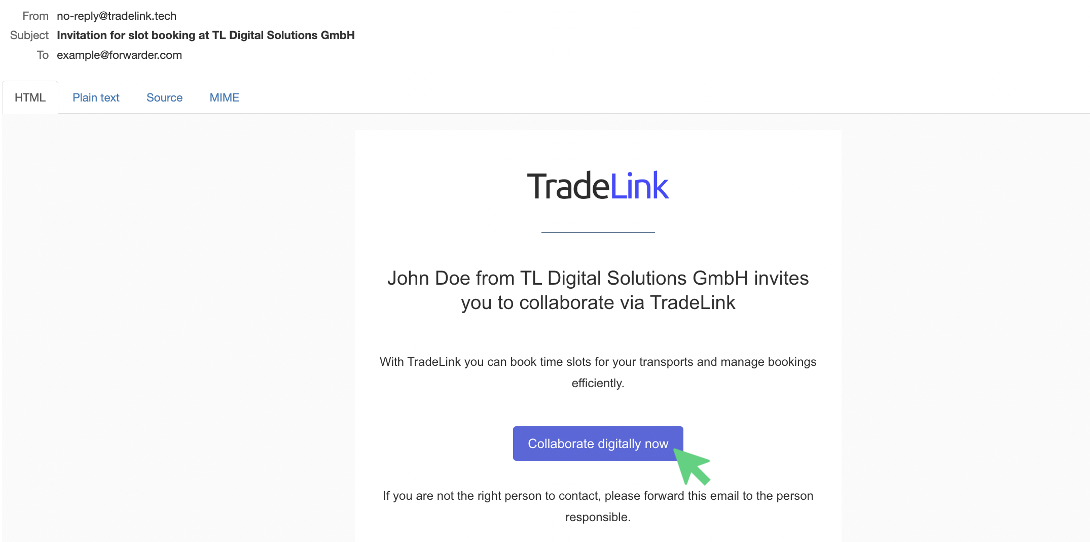
The essential requirement for a one-time booking via a booking link is an invitation from your organization as a partner company. This e-mail, "Invitation to slot booking," may have been sent directly to you or one of your colleagues.
Click on "Collaborate digitally now" in the e-mail and follow the steps displayed.
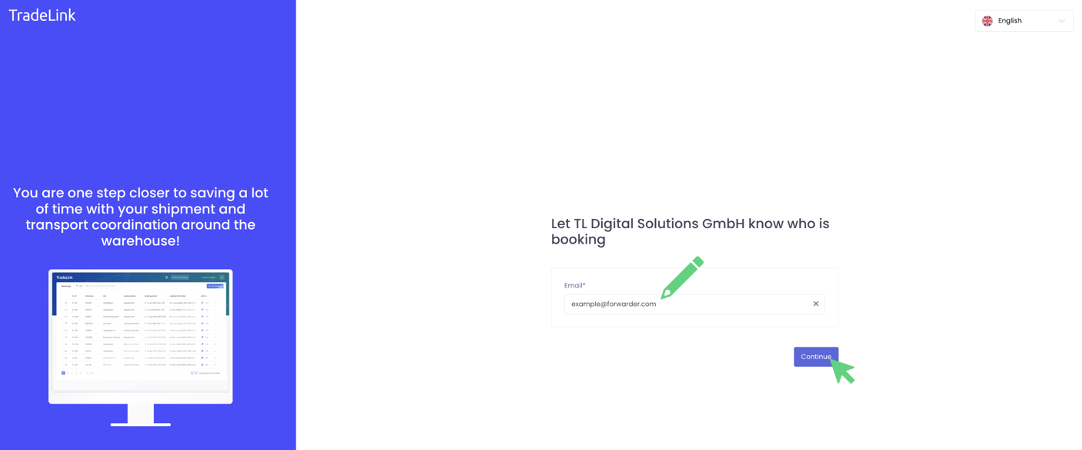
When you click on the booking link in the email, a separate window will open where you can confirm or adjust your email. This step does not lead to the creation of an account, but serves to assign the booker.
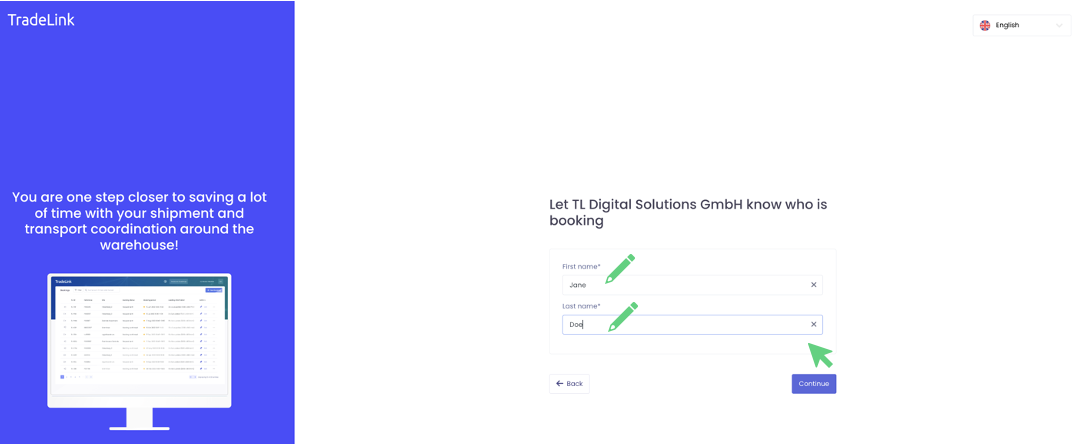
After confirming your e-mail address, further basic data about you as the booker will be requested in the next step. These are only for inquiries and updates and are not related to creating an account.
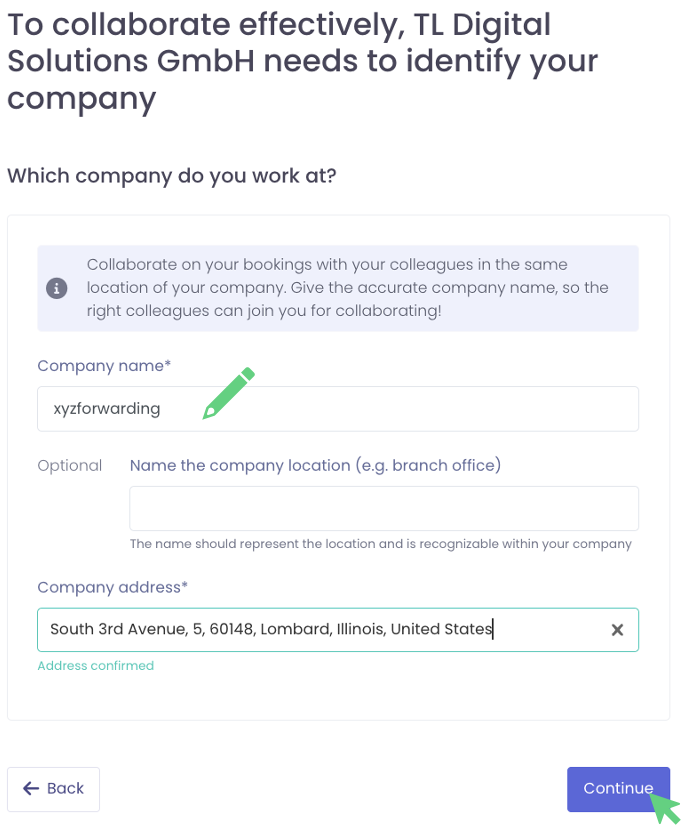
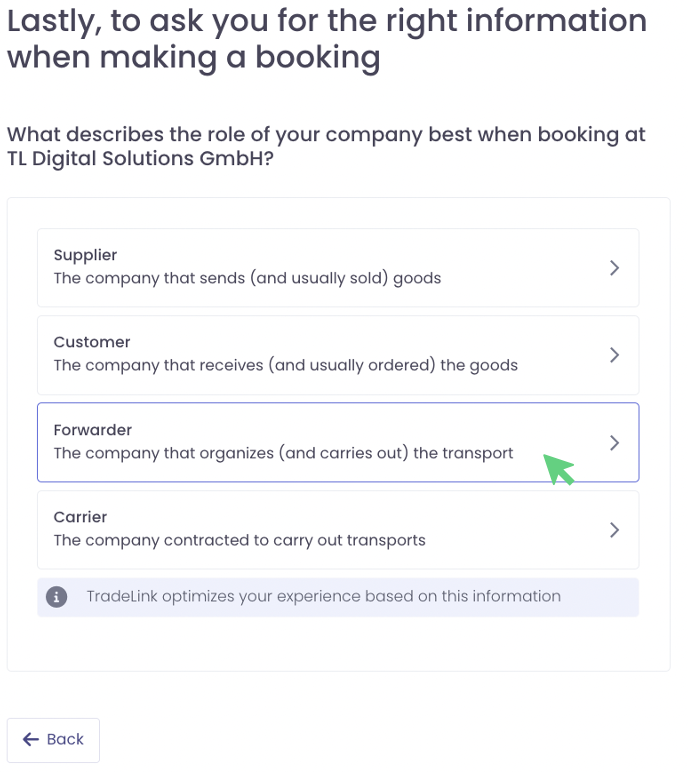
After successfully entering your data, you will be redirected to the booking portal and can make your first booking.