
Here you can learn more about other transport types that you can create via TradeLink: unannounced transports
How to create an internal advice in your calendar view
You can create an internal advice by clicking on the desired start time of your booking in the calendar or simply by dragging and dropping.
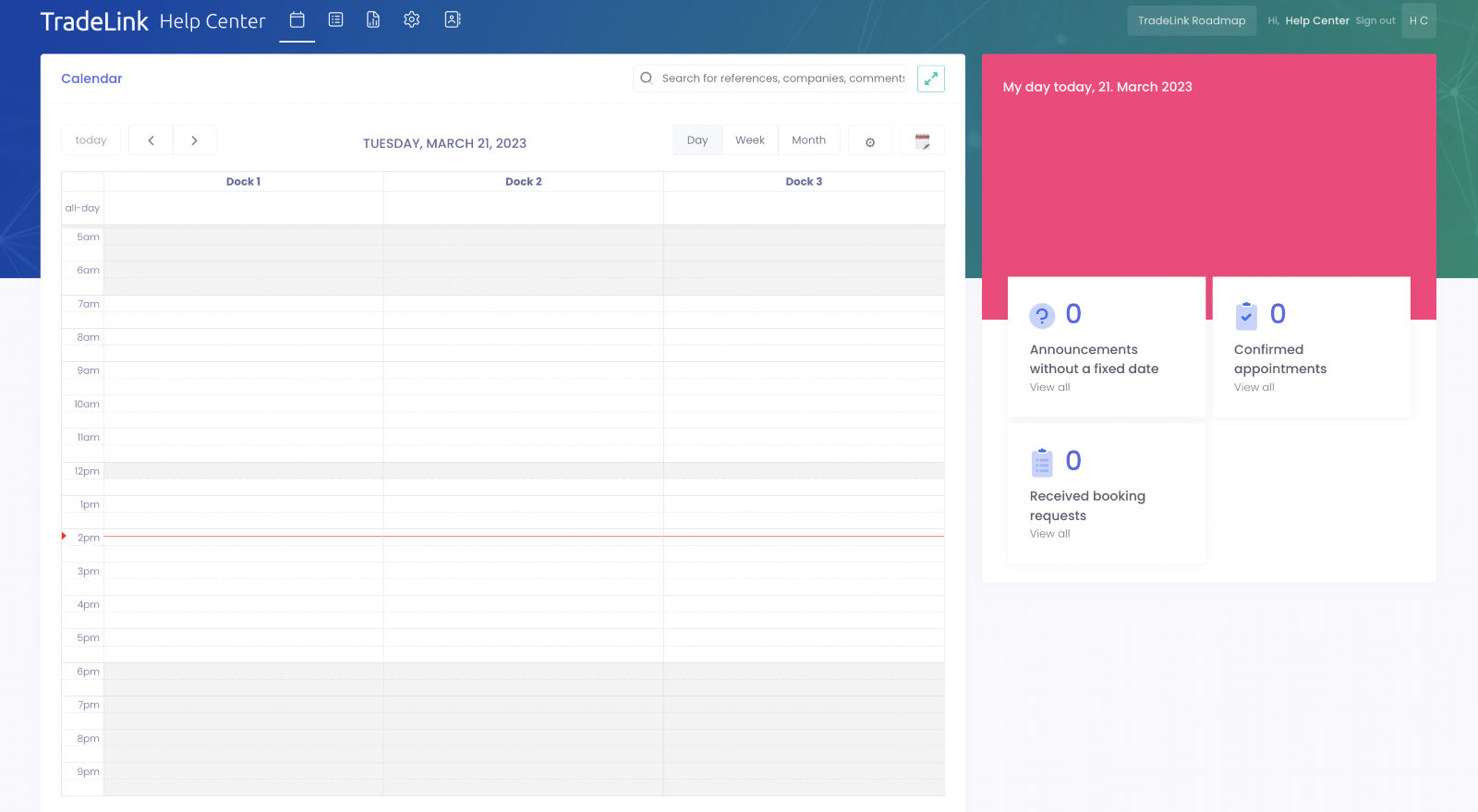
Next, a window will pop up where you have to fill in all mandatory fields. You are also given the opportunity to adjust the start and end time of your booking.

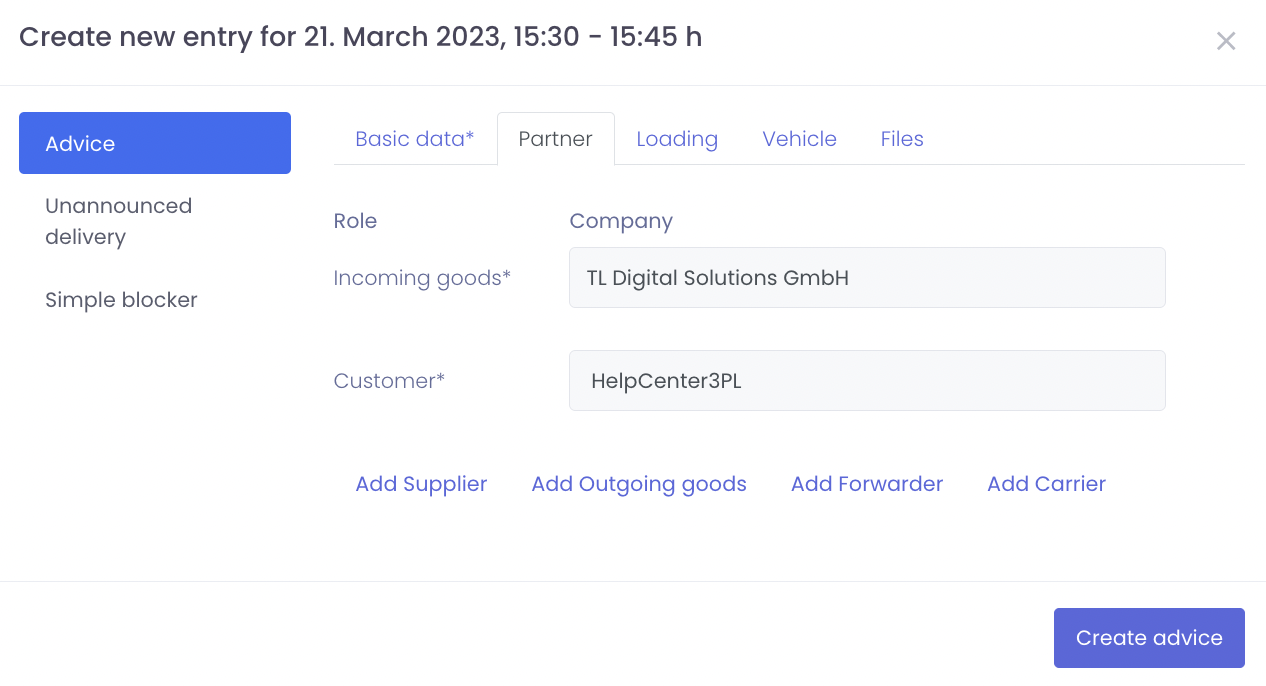
After the basic data has been entered, you must assign each of the specified roles (mandatory fields) to a company under "Partner". (attention: in case of description, envelope will be created)
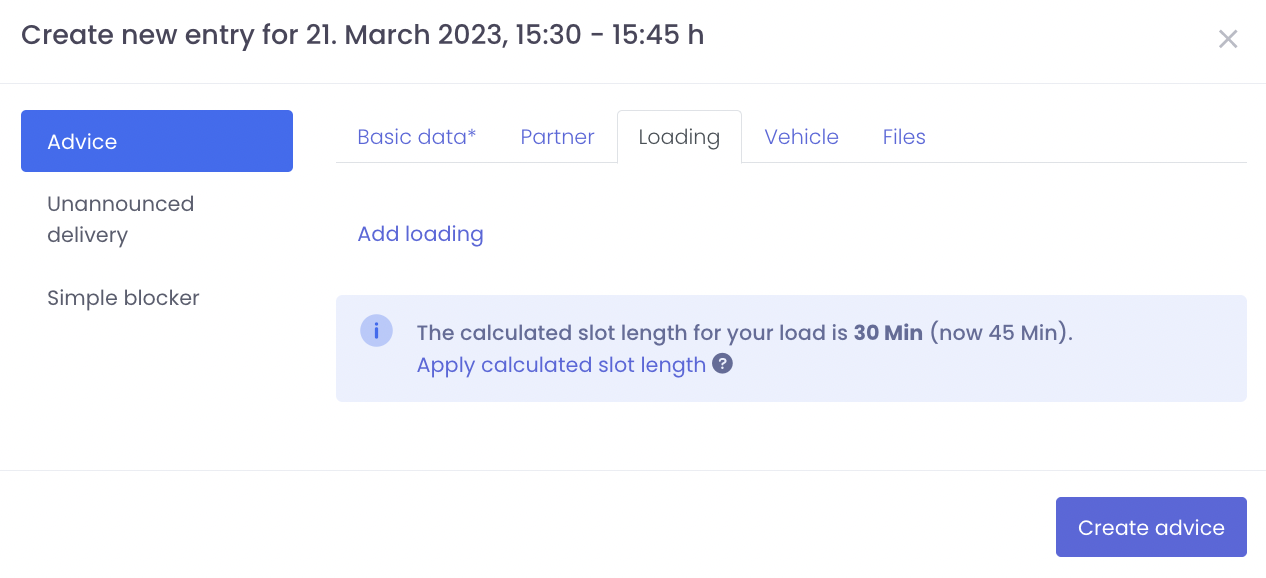
You can specify the load unit and the quantity under the "Load" tab.
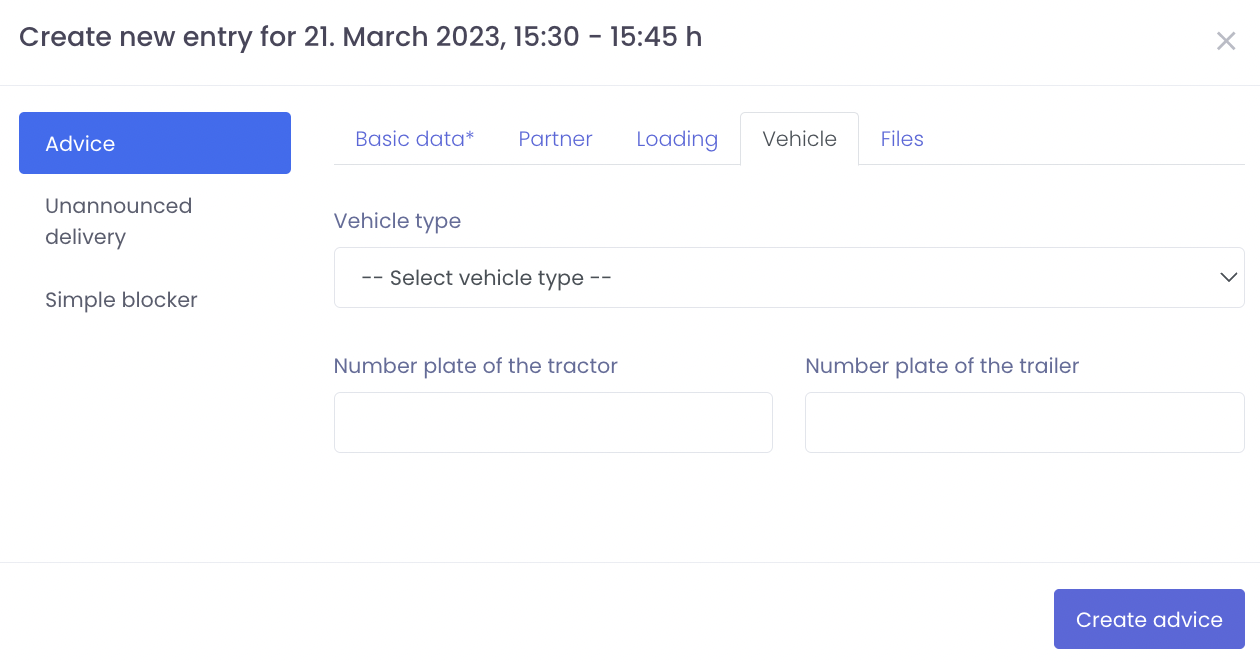
Vehicle data, as well as type and license plate number can also be entered.
If documents such as a delivery note are available, they can be uploaded in the last step under "Documents".
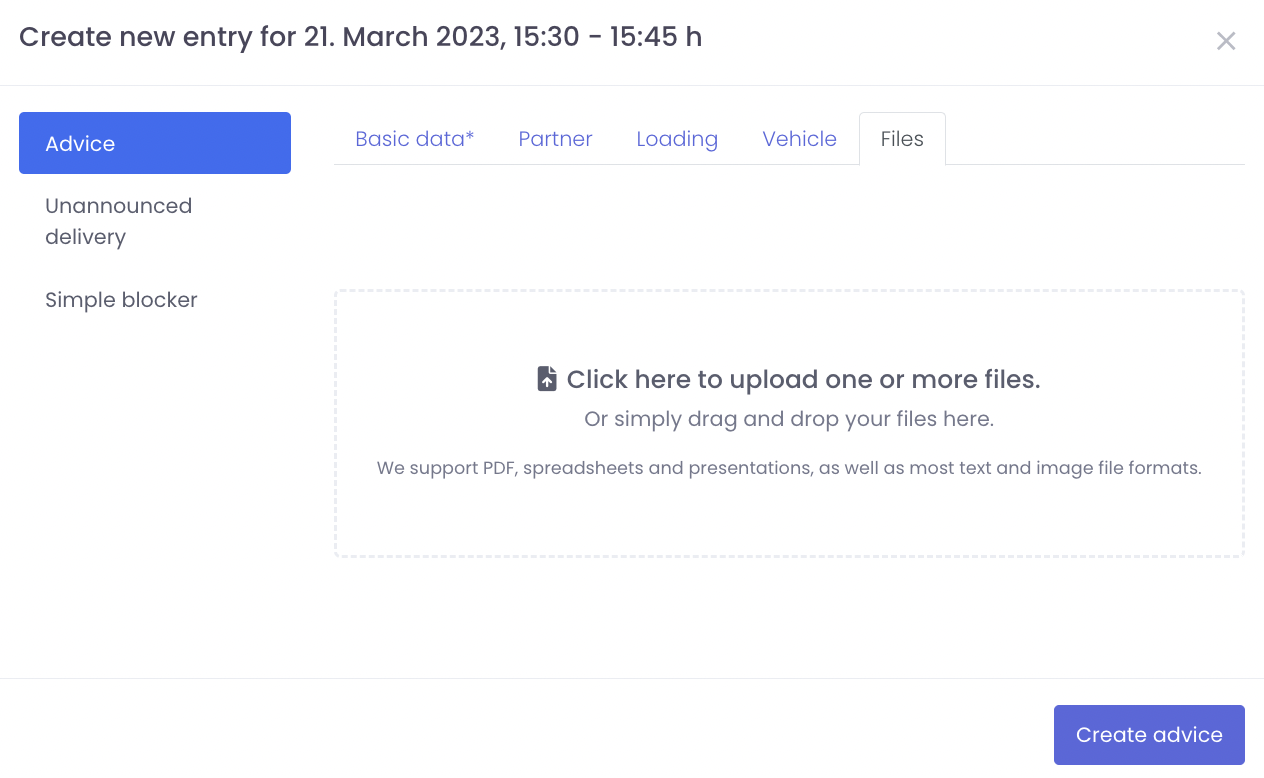
Once you have entered all the data, you can click on "Create notification" to complete and create your booking. It will then appear in the calendar for the specified period.
Convince your partners to work together digitally via TradeLink and together we will achieve collaborative logistics!