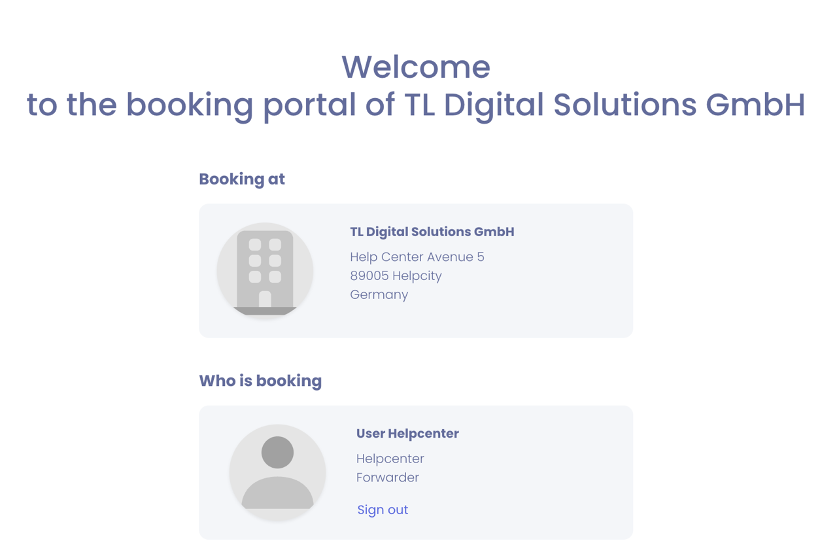
We will show you how to get to our booking portal in your account.
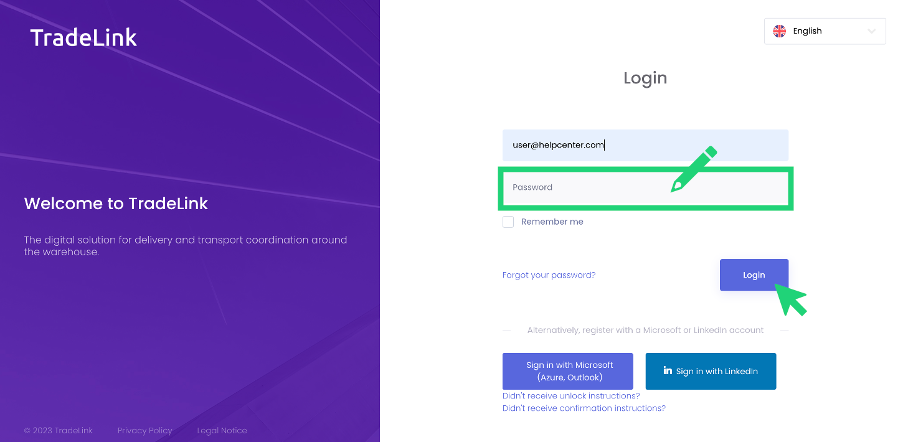
If you already have a TradeLink account, you can access the TradeLink booking portal directly by logging into your account.
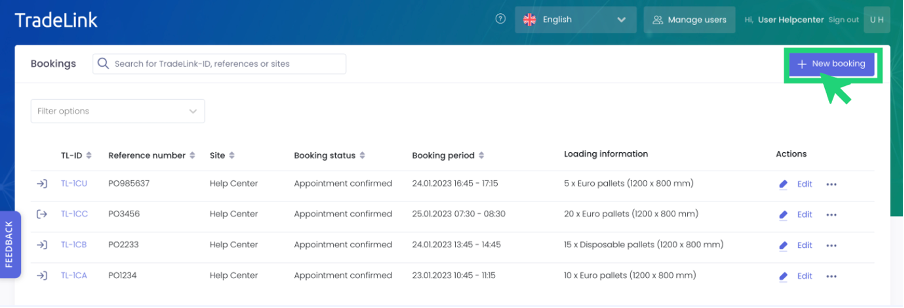
When you are in the booking portal, you can click on "New booking" in the upper right corner of the page to create a new booking.
You will then be taken to the overview of the location to which you have been invited as a partner and can now proceed with your booking.