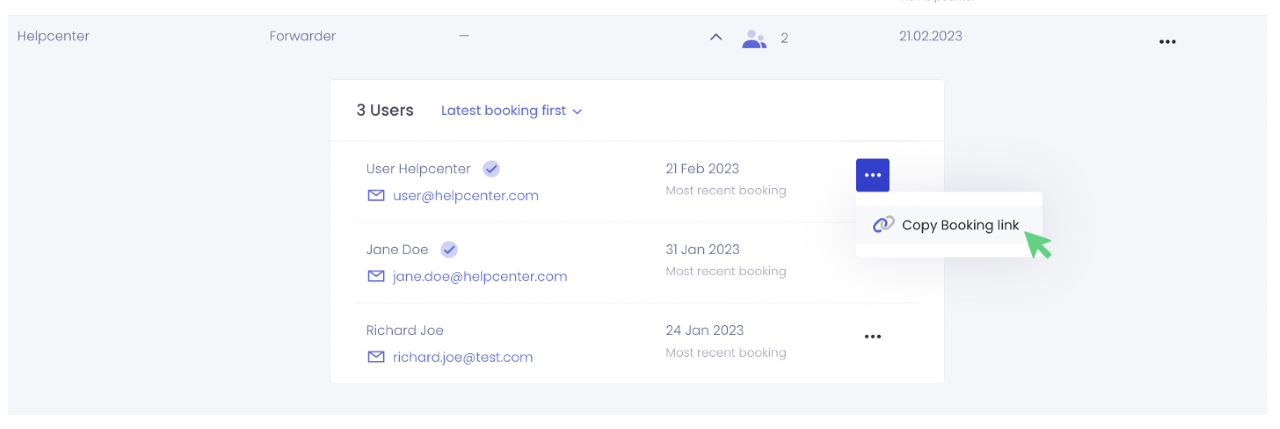
If your partner can no longer find the personal booking link or has accidentally deleted the invitation E-Mail, you can simply copy the link and send it to your partner.
Where can I find the booking link of my partners?
You can find your partners' booking link under the "Partner companies" setting.
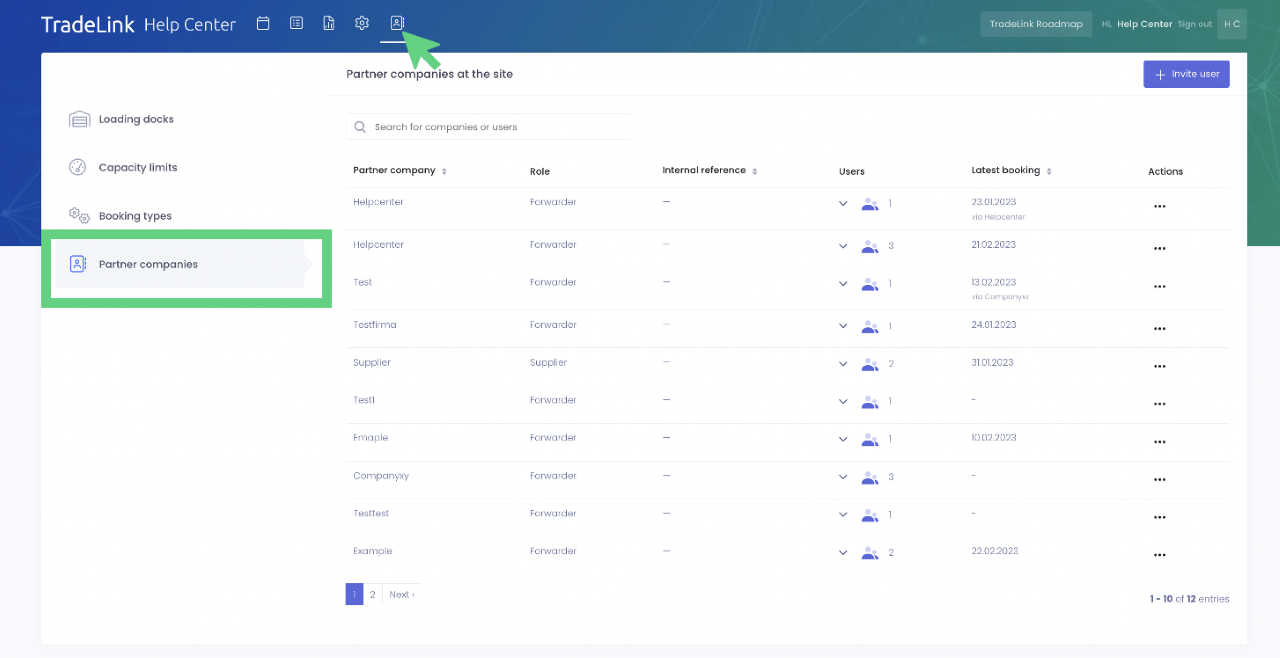
Select the partner whose booking link you want to copy. You can search for the user or company in the search box at the top. Then click on the arrow next to the two-person icon.
In the three-dot menu, you can then click "Copy booking link" to copy the booking link and send it to your partners so they can book time slots on TradeLink.