

When am I allowed to deliver or pick up goods? When am I allowed to drive the truck to the ramp? Who is carrying out the transport? Is my transport already completed? These are among the questions that you and your colleagues receive every day.
With TradeLink you now have the possibility to collaborate with your partners, such as suppliers and forwarders, in real time and to be informed about the progress of a booking - all in one central space!

1. Who benefits from status updates?
Once external partners, such as suppliers and forwarders, are assigned to a booking, digital collaboration can begin and all parties are informed in real time about the status of the booking. Additionally, the communication with other departments can be simplified by using TradeLink as a source of information.

2. The benefits of status updates for suppliers and forwarders
-
Ease of exchange:
Since all communication is done on TradeLink, you save on phone calls, emails and complicated Excel lists. Because all parties involved in the booking collaborate on TradeLink, you and your partners always stay informed about the progress.
-
Overview of required actions:
As you edit a booking, the associated status adjusts. Your partners will see if an action is needed from you or your partners to make the delivery or pickup. Bookings that require an action on the part of your partners are displayed separately in color so that they are not overlooked.
-
Status updates:
When you create a booking, it will show up to your partner as "Appointment Request Received". This alerts your affiliates that they need to accept or decline the booking. Conversely, if you still need to confirm the booking request, your partners will see the status "Appointment request sent". As soon as you and your partners have found a suitable date, the status changes to "Date request confirmed".
After the transport has been processed at your yard and you have set the correct status points, the status in your partners' view changes to "Appointment request completed". This way, your partners always know how far the booking has been processed.
-
One central data source:
Because TradeLink serves as the foundation for communication and updates in real time for all parties involved in a booking, data errors and gaps can be avoided.
-
Check-In Terminal:
With the check-in terminal, drivers are given the opportunity to check in completely independently upon arrival at the yard. This reduces the effort at the gate and all relevant data is directly entered into TradeLink. Thus, you have real-time access to the information.
3. References Check-In Terminal
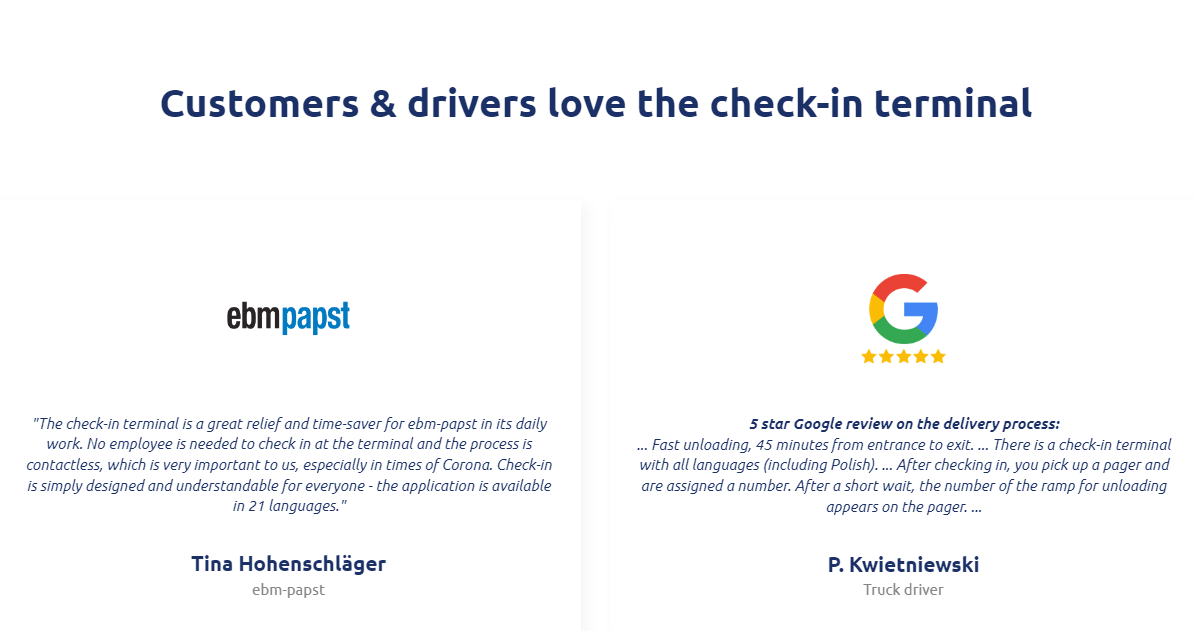
Many of our customers are already using the check-in terminal, like ebm-papst in Landshut:
4. How to optimize status updates
We at TradeLink aim to help you improve the coordination with your partners. Contact your Customer Success Manager to learn more about the coordination with partners and to get to know the check-in terminal better. You can also directly contact us at support@tradelink.co.