
You can manage your E-Mail notifications after you create a TradeLink account. You can learn how to create a TradeLink account here:
💡How can I create an account with TradeLink? (After completing a booking)
💡How can I create a TradeLink account (without prior booking)
How to set your notification settings
If you have a TradeLink account, you can access all your bookings without the need for related emails. If you want to manage your email notifications, you can do so in your profile settings.
You can access your profile by clicking the button in the upper right corner of TradeLink.

Under the "Notifications" tab, you can set your preferences regarding your E-Mail notifications.
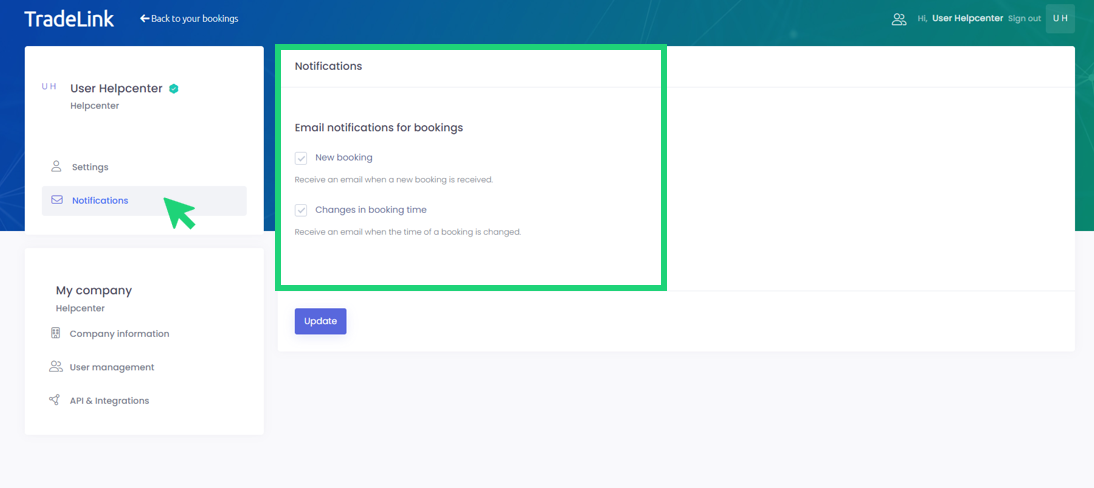
You can now manage your notifications yourself and receive only the information you want.